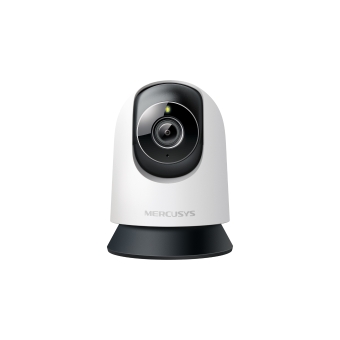
MC230 [V1] | Pan/Tilt AI Home Security Wi-Fi Camera



MC230
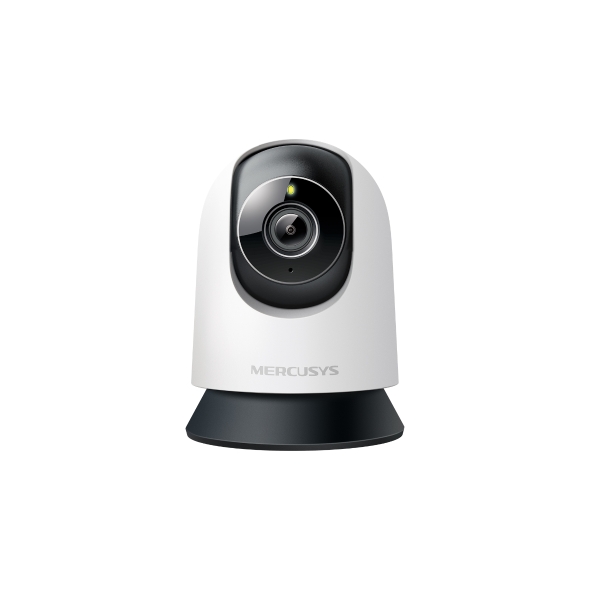
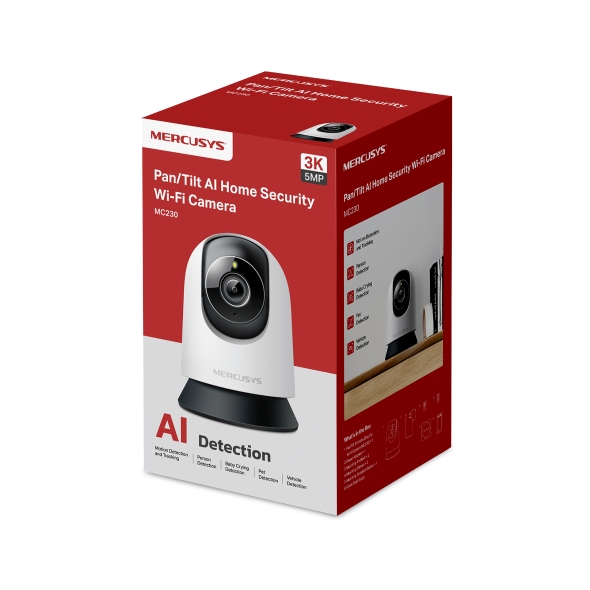
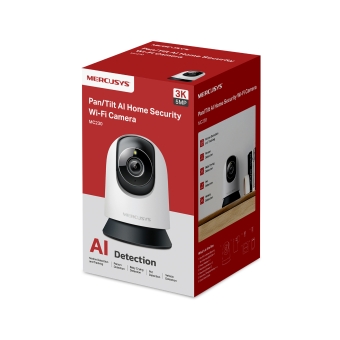
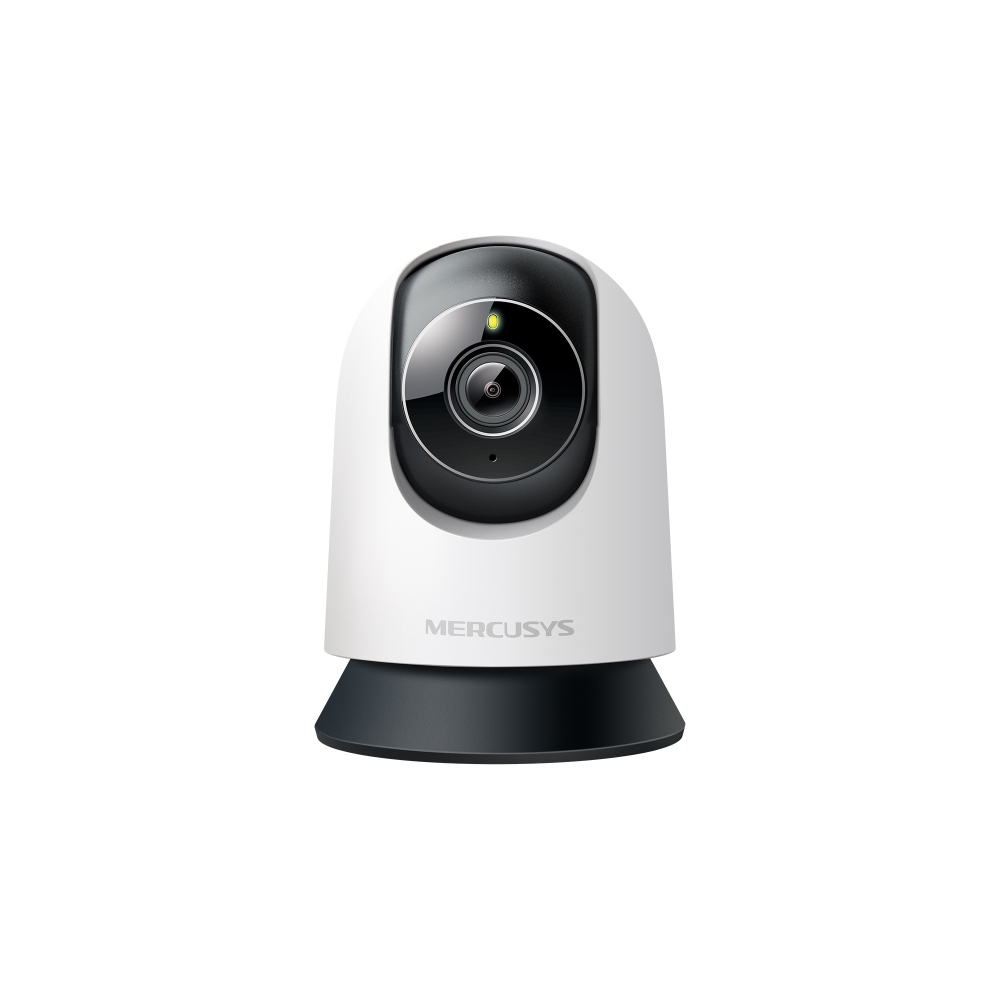
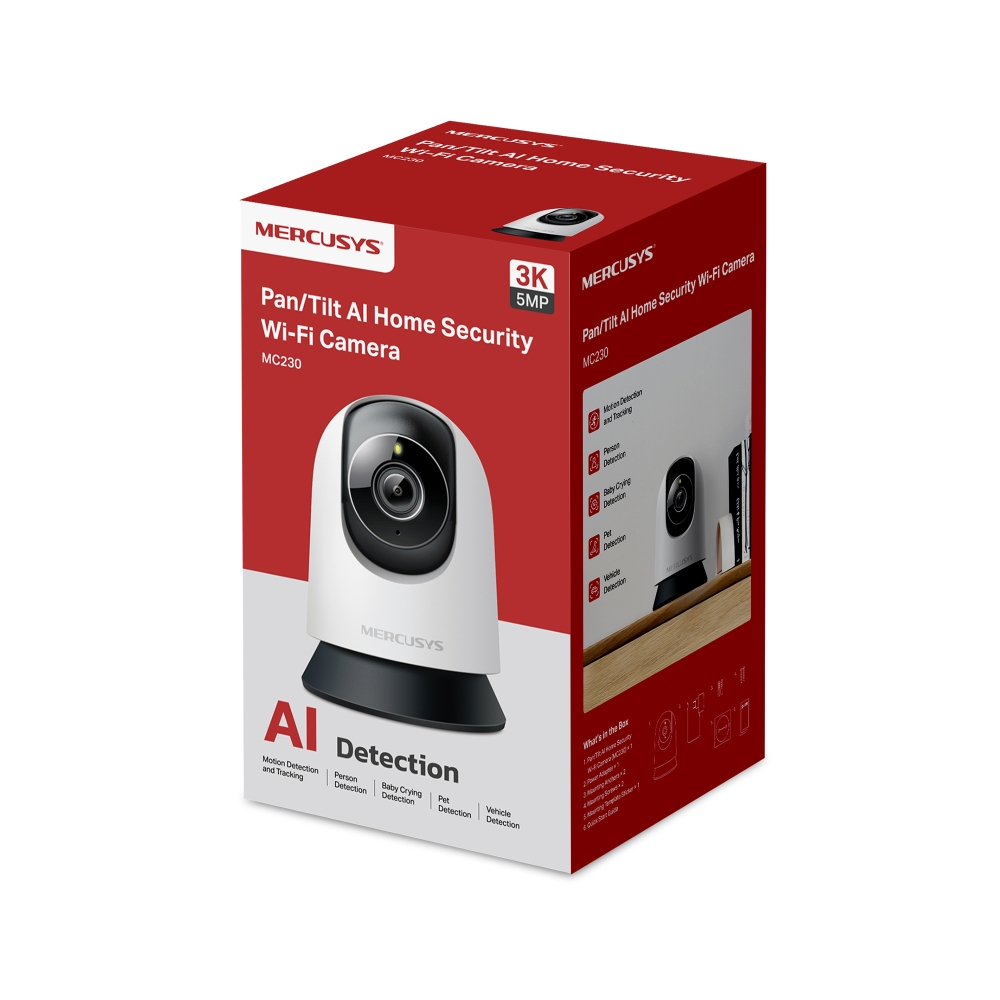
Pan/Tilt AI Home Security Wi-Fi Camera
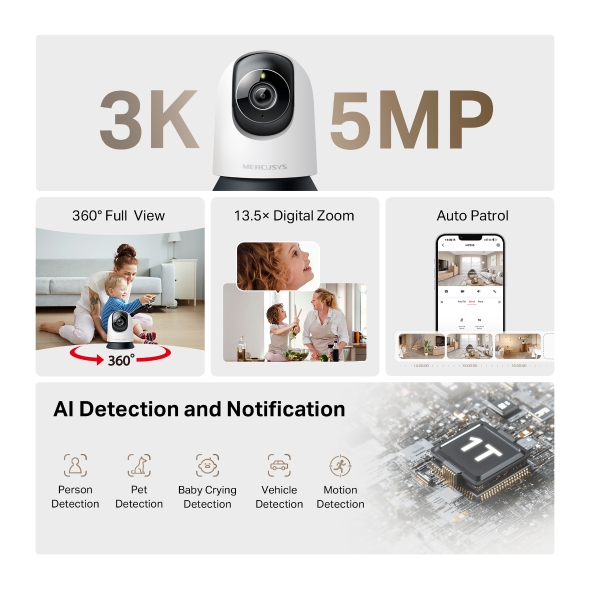
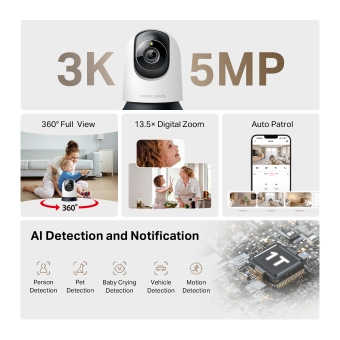
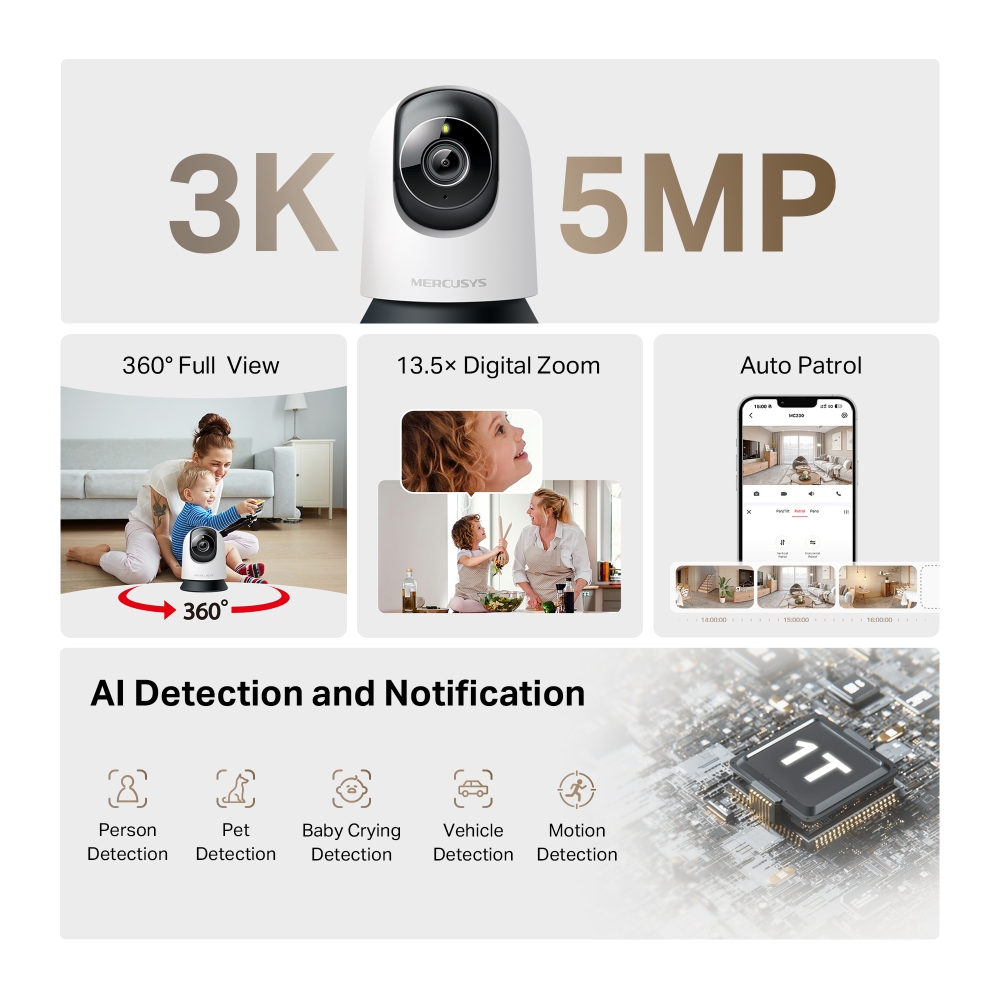
- Sharp 3K HD Clarity: 5MP resolution captures every smile, gesture, and detail in stunning clarity—so your home always feels closer.
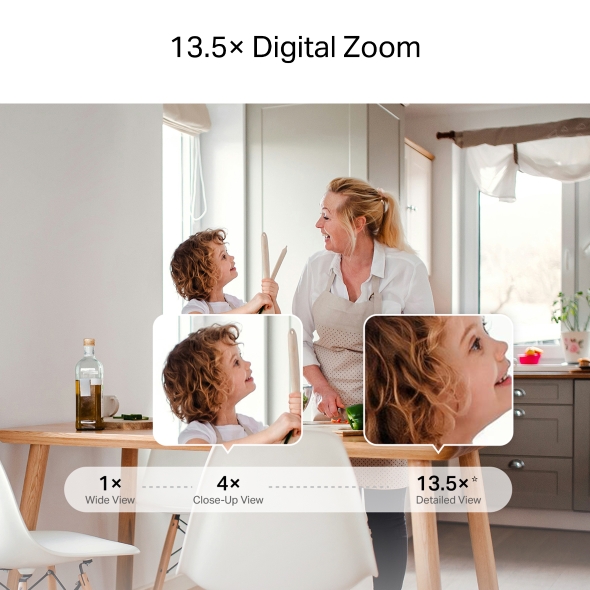
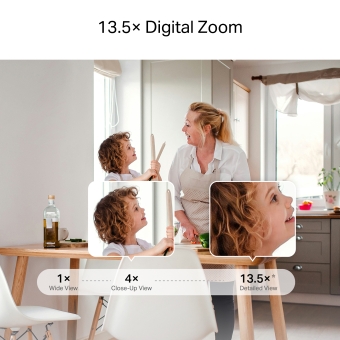
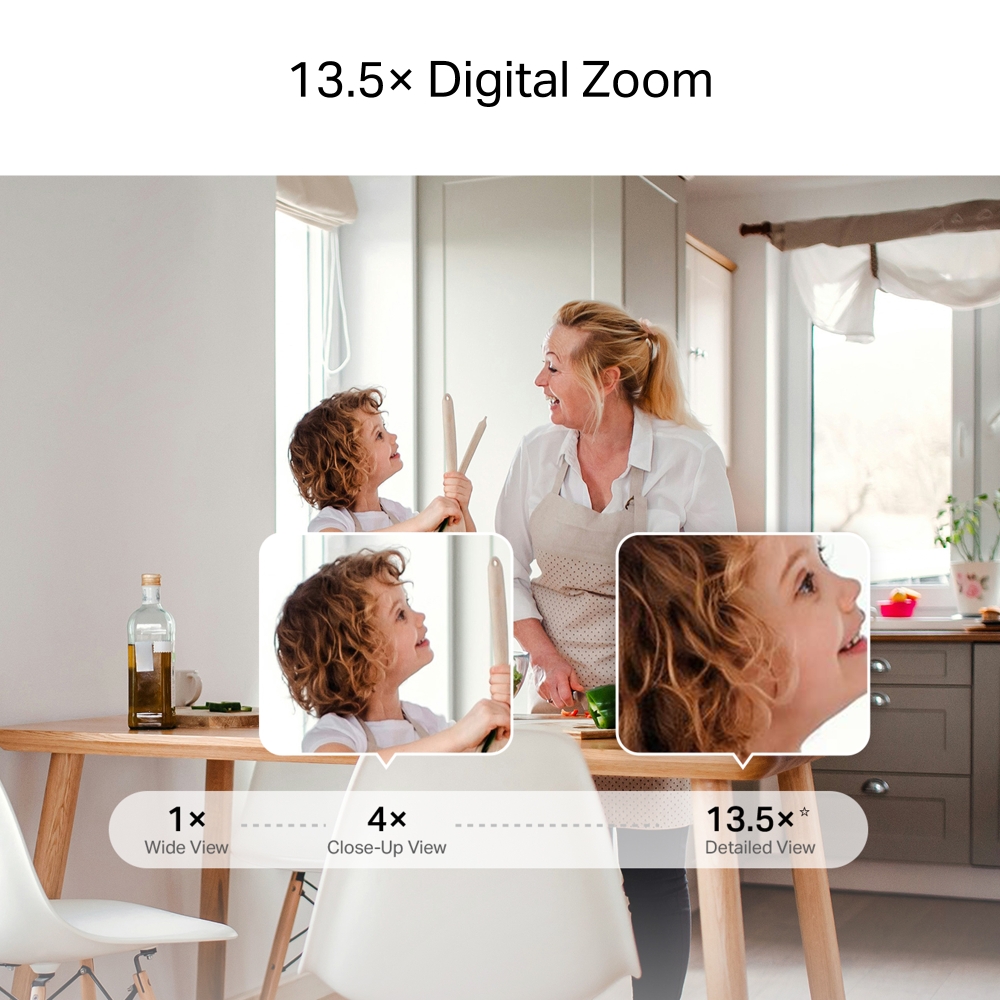
- Get Closer with 13.5× Zoom: Pinch to zoom in the MERCUSYS app and focus on tiny objects or expressions, every detail stays sharp.
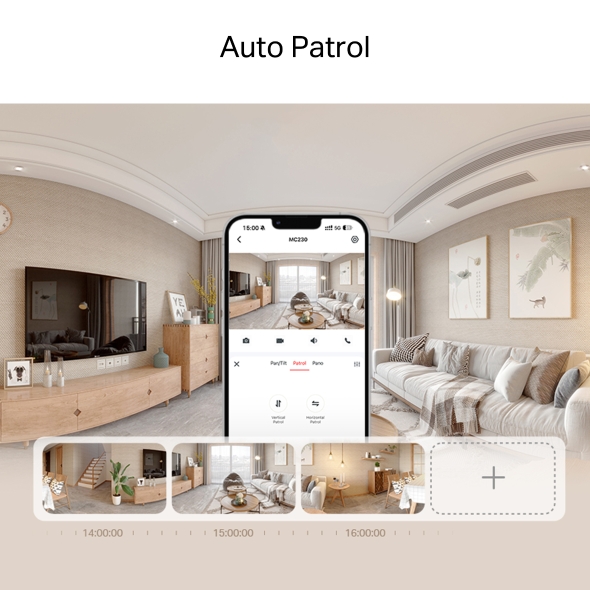
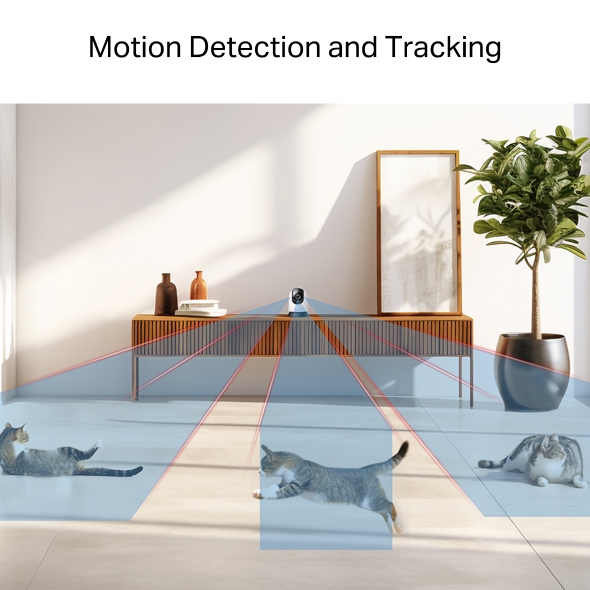
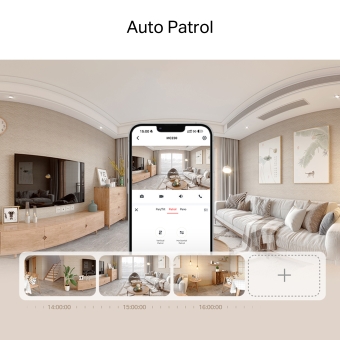
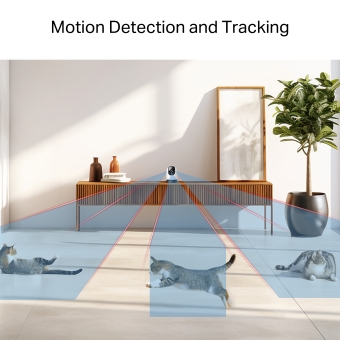
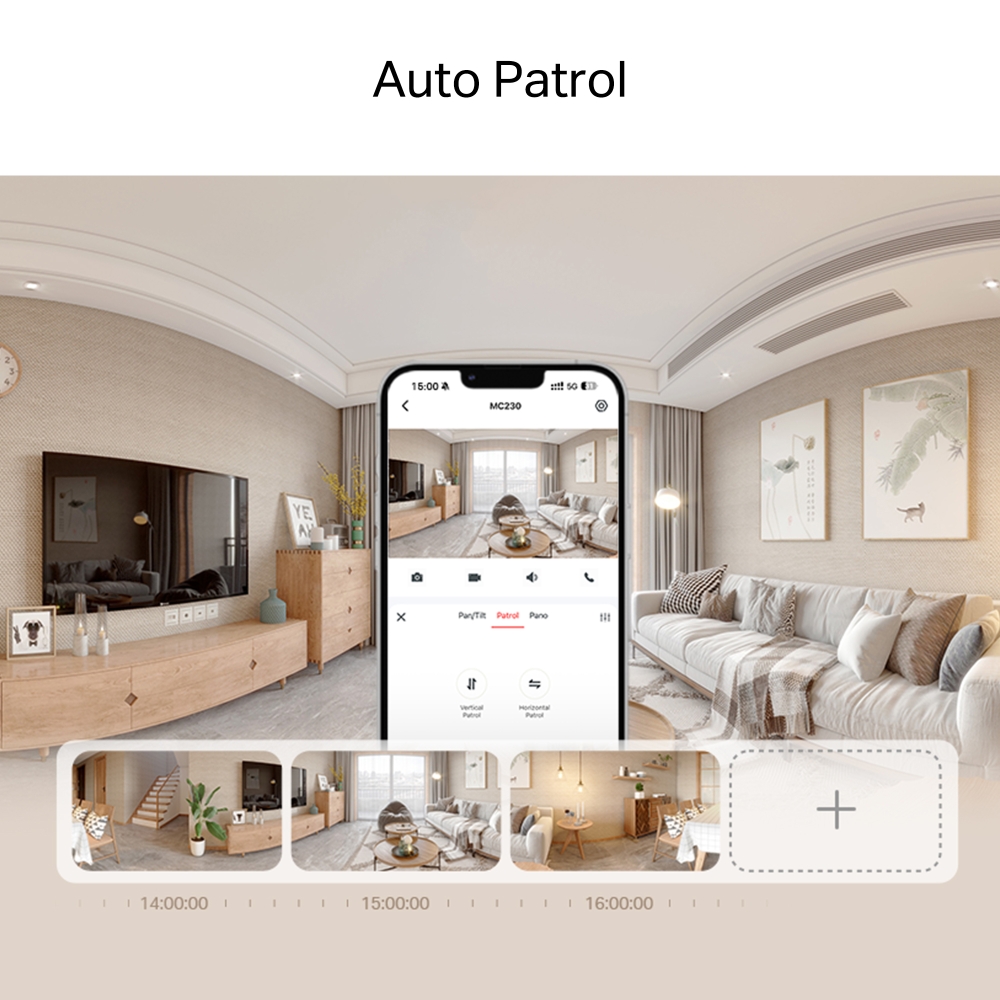
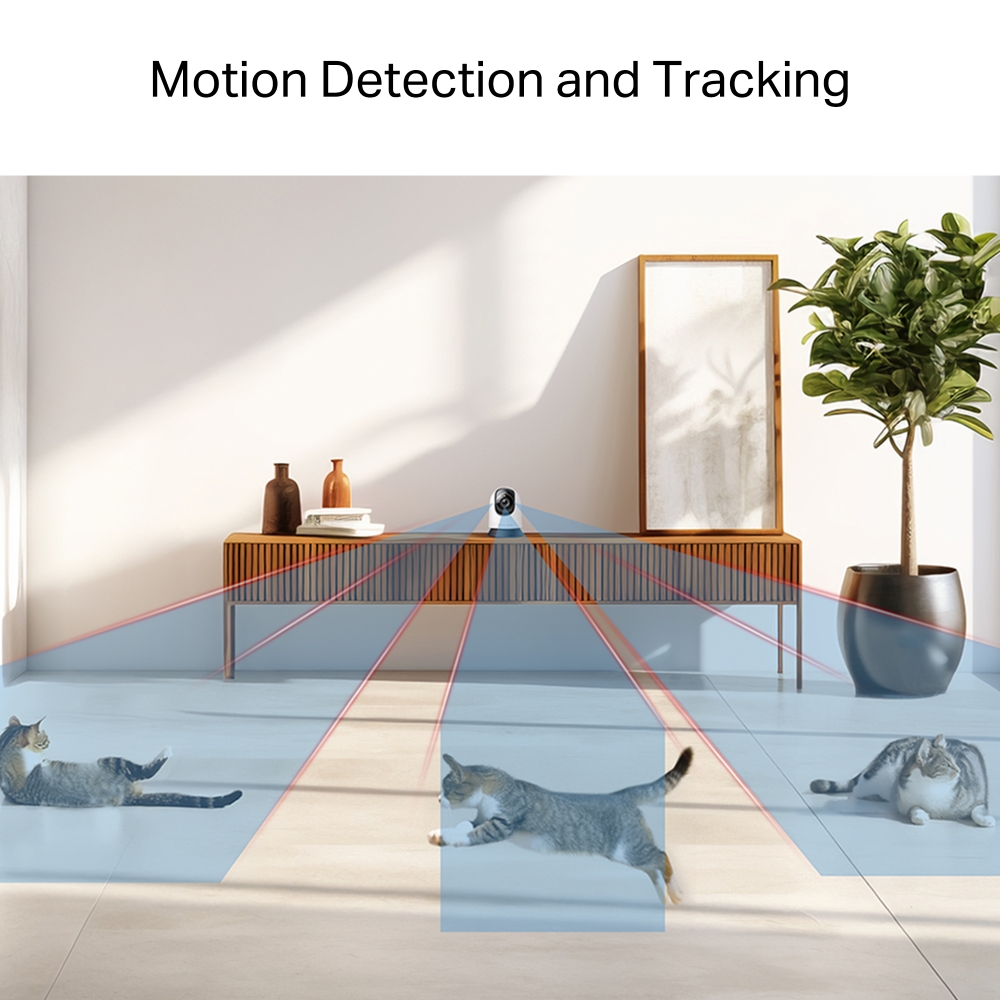
- 360° Full-Room Coverage: Smooth pan and tilt reveal every corner. With auto-patrol and smart motion tracking, no movement goes unnoticed.
- Smarter AI-Powered Alerts: Enhanced by AI, the camera filters what matters most—identifying people, pets, vehicles, and unusual sounds like baby crying or glass breaking.
- Real-Time App Control & Alerts: Stay in control from anywhere with instant notifications, keeping you connected to home anytime.
- Local & Cloud Storage: Supports up to 512GB microSD cards and cloud storage for secure, flexible video backup. † ‡
- Customizable Block Zone: Tailor your privacy zone to block unwanted views with ease.
- Voice Control: Compatible with Google Assistant and Amazon Alexa, offering hands-free control for users.
3K Crystal View,
AI-Powered Detection
Pan/Tilt AI Home Security Wi-Fi Camera
MC230



From Every Angle to Every Detail
Enjoy a 360° view of your home in stunning 3K clarity. From wide coverage to close-up details with 13.5× digital zoom, every angle is crystal clear.
See Clearly After Dark
Night vision offers sharp black-and-white clarity up to 40 ft, ensuring detailed visibility even in complete darkness.
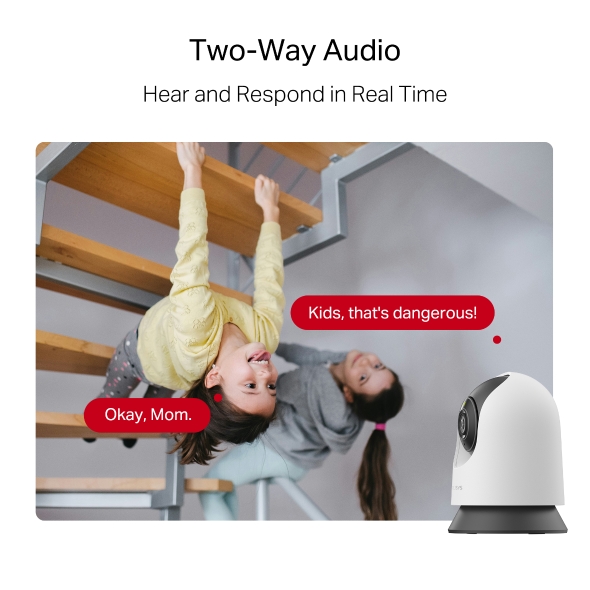
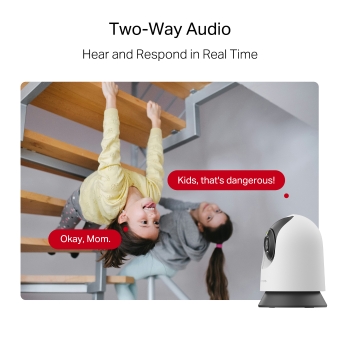
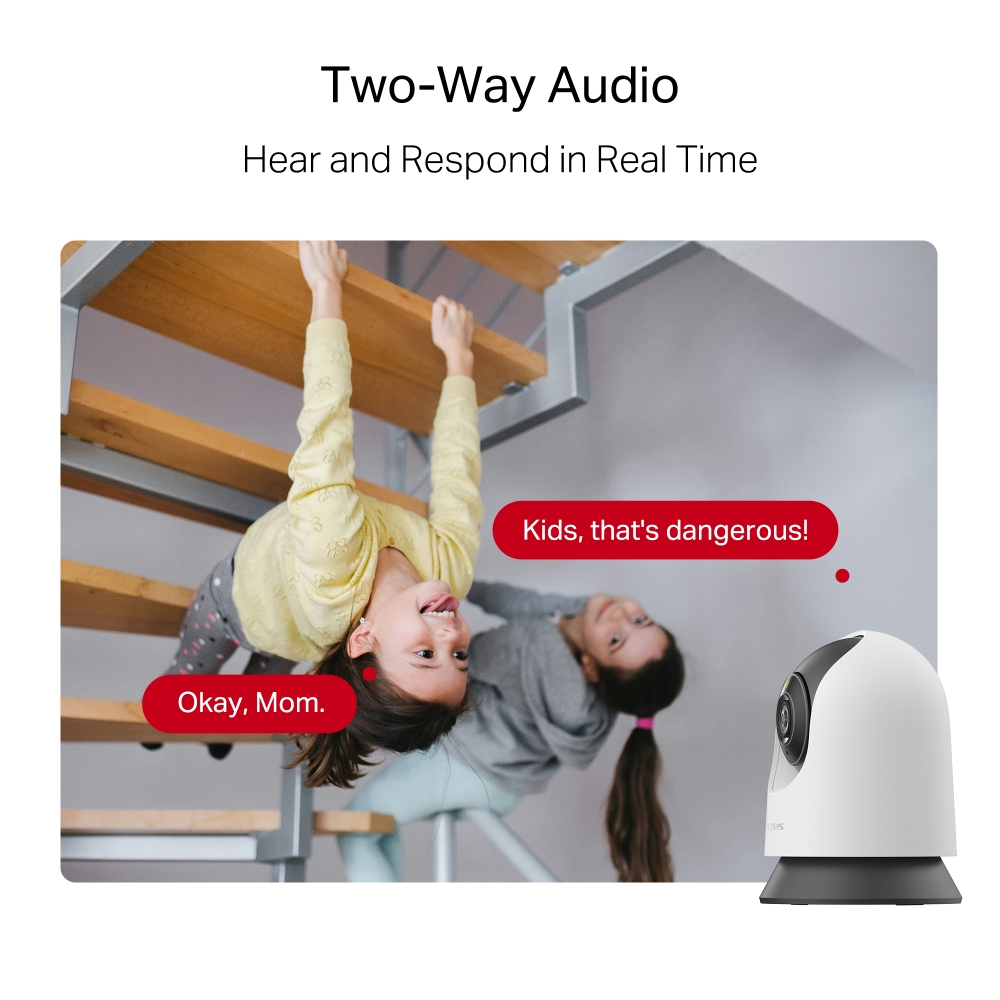
Two-Way Audio
Hear and respond in real time through a built-in microphone and speaker. Interact with your family and pets at any time.
Prevent Recordings in Block Zones
Tailor your privacy zone to block unwanted views with ease. No need to worry about personal moments being leaked.
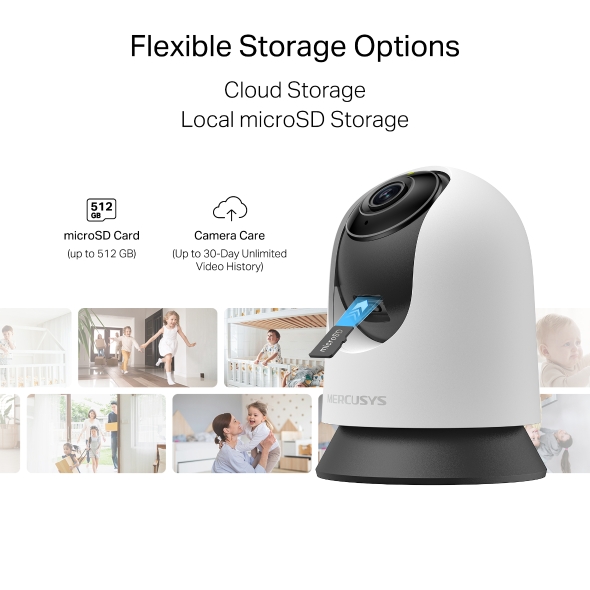
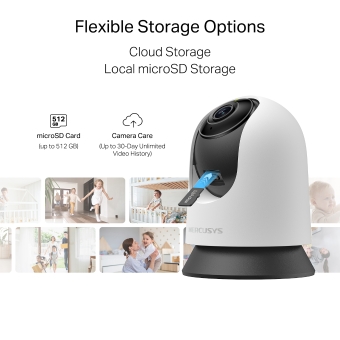
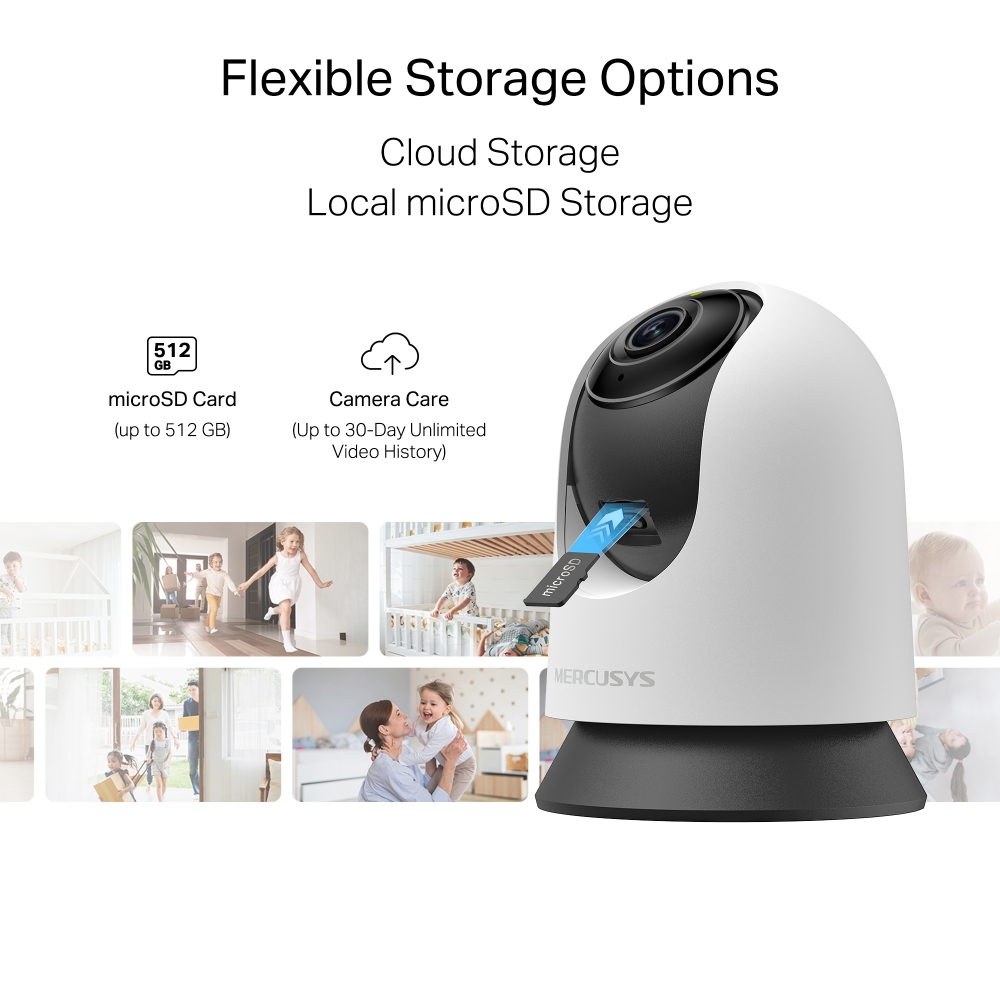
Secure Local & Cloud Storage
Save all your important moments to a microSD card (up to 512 GB) or subscribe to MERCUSYS Camera Care for cloud service after a free trial.
-

microSD Card
(up to 512 GB)
-

Camera Care
(Up to 30-Day Unlimited Video History)
†microSD card sold separately. ‡Subscribe for cloud storage at https://www.mercusys.com/cameracare/ §MC230 does not have an Ethernet port and can only be connected via Wi-Fi. △Compatible with Alexa and Google Assistant supported displays. User experience is dependent on the connected device's specifications. ☆Magnification labels are illustrative only, zoom is user-controlled in the MERCUSYS App without fixed values.
MERCUSYS
La aplicación MERCUSYS proporciona la manera más fácil de configurar en minutos y administrar tu WiFi en casa o fuera a través de sus dispositivos iOS o Android.


MERCUSYS te ayuda a configurar en unos pocos pasos
Sin ningún conocimiento técnico ni leer instrucciones complicadas, simplemente siga las instrucciones de la aplicación. Configura tu red de malla en minutos.
-
 Halo Power Cable Ethernet Cable
Step 1
Encuentra lo que necesitarás en la caja
-

Step 2
Conecta tus dispositivos
-

Step 3
Siga las instrucciones en pantalla con la aplicación MERCUSYS
Administra tu WiFi en tiempo real
Con la aplicación MERCUSYS, experimenta la gestión de red en vivo. Ve quién se está conectando a tu red y adminístrela en cualquier momento con sus dispositivos iOS o Android.
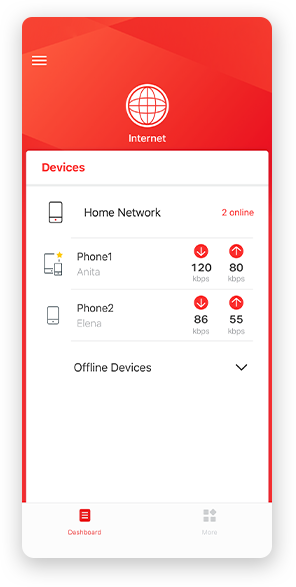
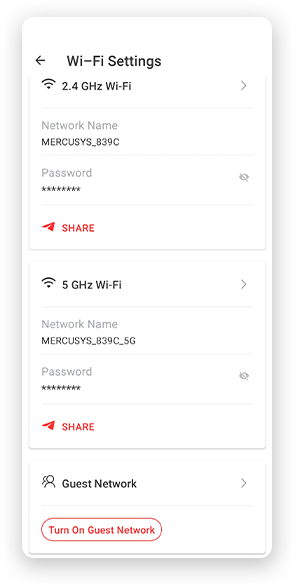
Notice: The configuration page of different models may be different, please refer to the actual one.
Potentes controles parentales
Administra fácilmente el tiempo y el contenido en línea de tus hijos para crear un entorno en línea seguro y saludable.
-
Crear perfiles de usuario
Create a profile for each family member you would like to manage. Assign devices to the profile to set access controls and time limits for them.
-
Límite de tiempo en línea
Set daily limits on how long your kids spend online and prevent them from accessing the internet on their devices for a long time to build a healthy network habit.
-
Bloquear sitios web inapropiados
Control which sites your kids visit by setting a block list.
-
Pausar la conexión a Internet
Suspend family members’ internet connections to take a break from the virtual world to enjoy some family time.
Administra y proteje tu red doméstica
La aplicación MERCUSYS te ayuda a administrar tu WiFi en casa o fuera a través de tus dispositivos iOS o Android.

Comprobar el estado de los dispositivos conectados
Ve intuitivamente el estado de funcionamiento de tu red Halo y ve qué está conectado. Prioriza o bloquea los dispositivos según sea necesario.

Quality of Services
Prioritizes devices you select to perform better.

Alerta de acceso a nuevo dispositivo
La aplicación MERCUSYS envía de manera proactiva una alerta para informarte cuando se conecta un dispositivo desconocido. Toca para bloquear el dispositivo si es un riesgo de seguridad.

Configurar una red de invitados
Proporciona una red separada para invitados para garantizar su seguridad y privacidad.
Todo en una aplicación
Ya sea que estés buscando controlar una amplia gama de routers, extensores o sistemas de malla Halo MERCUSYS, encuéntrela todo en la aplicación.
CompatibilidadProductos compatibles
Nota: El firmware del dispositivo requiere la última versión. Haga clic aquí para saber cómo actualizar su firmware.
Nota: Tanto las versiones de hardware enumeradas como las superiores de estos modelos son compatibles con la aplicación MERCUSYS.
CATEGORIA
-
Halo Mesh
-

Halo H50G V1
AC1900 Whole Home Mesh Wi-Fi System
-

Halo H30G V1
AC1300 Whole Home Mesh Wi-Fi System
-

Halo H80X V1
AX3000 Whole Home Mesh WiFi 6 System
-

Halo H70X V1
AX1800 Whole Home Mesh WiFi 6 System
-

Halo H30 V1
AC1200 Whole Home Mesh Wi-Fi System
-

Halo H90X V1
AX6000 Whole Home Mesh Wi-Fi System
-
-
Wi-Fi Routers
-

MR70X V1
AX1800 Dual Band Wi-Fi 6 Router
-

MR80X V1
AX3000 Dual-Band Wi-Fi 6 Router
-

MR50G V1
AC1900 Wireless Dual Band Gigabit Router
-

AC12G V2
AC1300 Wireless Dual Band Gigabit Router
-

MR30G V1
AC1200 Wireless Dual Band Gigabit Router
-
MR1200G V1
AC1200 Wireless Dual Band Gigabit Router
-
MR1900G V1
AC1200 Wireless Dual Band Gigabit Router
-

MR1800X V1
AX1800 Dual-Band WiFi 6 Router
-

MR90X V1
AX6000 8-Stream Wi-Fi 6 Router
-
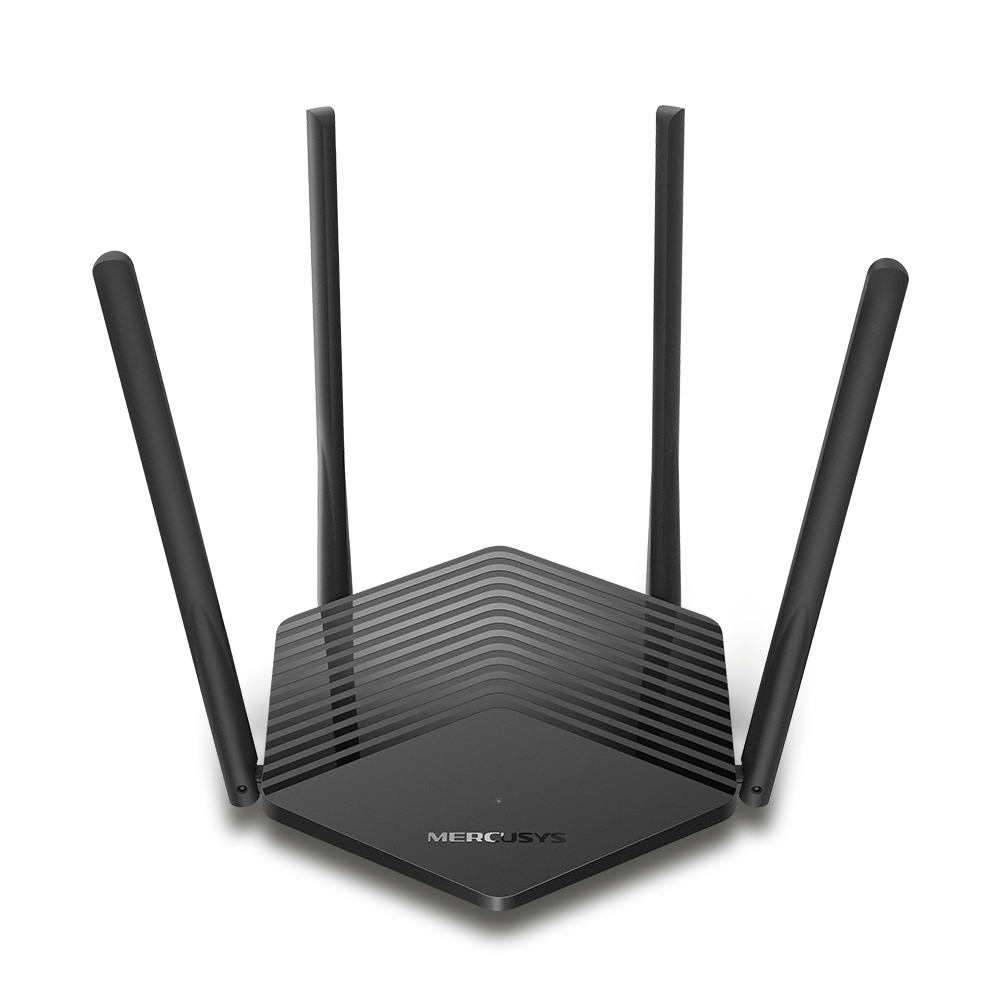
MR60X V2
AX1500 Wi-Fi 6 Router
-
2.0_01_large20200513030154.jpg)
AC12 V3
AC1200 Dual Band Wireless Router
-
1.0_01_large20200616070042.jpg)
AC10 V1
AC1200 Wireless Dual Band Router
-

MW325R V3
300Mbps Enhanced Wireless N Router
-
_1906_02_large20200513090024.jpg)
MW305R V3
300Mbps Wireless N Router
-
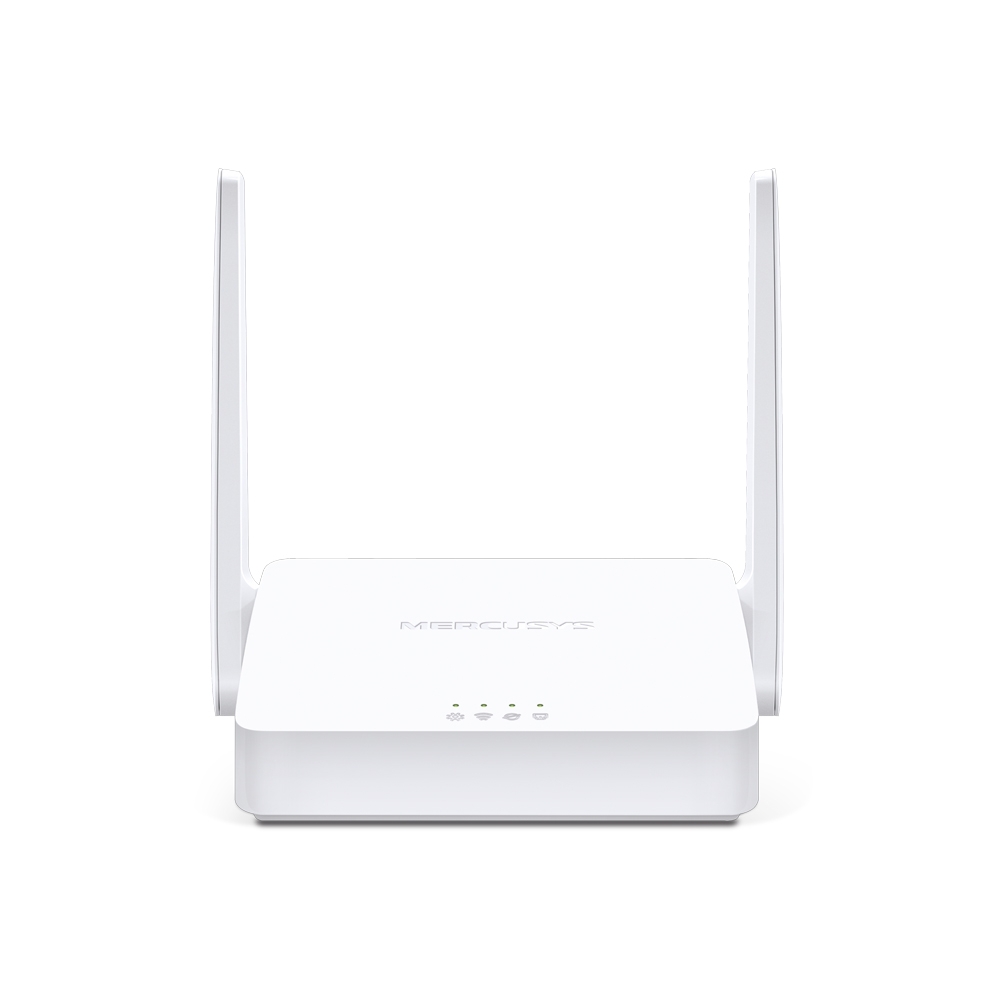
MW301R V3
300Mbps Wireless N Router
-
-
Range Extenders
-

ME70X V1
AX1800 Wi-Fi 6 Range Extender
-

ME50G V1
AC1900 Wi-Fi Range Extender
-

ME30 V1
AC1200 Wi-Fi Range Extender
-
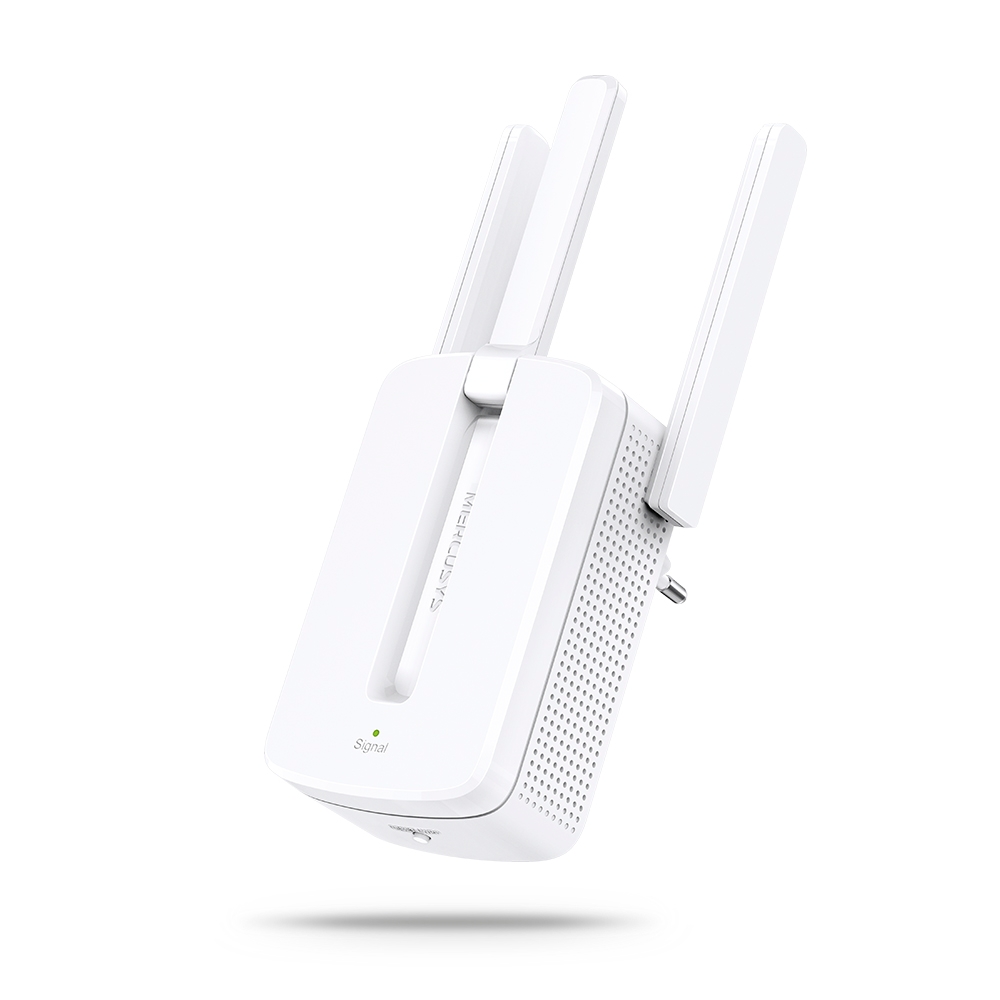
MW300RE V4
300Mbps Wi-Fi Range Extender
-
Compatible con varios idiomas
La aplicación MERCUSYS admite hasta 26 idiomas, lo que permite una fácil administración de la red para usuarios de todo el mundo.
-
English
-
Nederlands
-
Français
-
Deutsch
-
Italiano
-
日本語
-
한국어
-
Português
-
Español
-
繁體中文
-
Русский язык
-
Português Brasil
-
Español
(Latinoamérica) -
Български
-
Українська мова
-
Polski
-
Română
-
Slovenčina
-
ไทย
-
Türkçe
-
Čeština
-
Tiếng Việt
-
Eλληνικά
-
Bahasa Melayu
-
Magyar
-
עברית
-
Camera

| Image Sensor | 1/2.7'' Progressive Scan CMOS Not Starlight Sensor |
|---|---|
| Lens | Focal Length: 4 mm |
| Motion Range | Pan Mechanical Range: 340° (360° Pan Coverage) |
| Night Vision | 850nm IR LED (40 ft / 12 m) |
| Interface & Button | 1× RESET Button |
-
Video & Audio
| Maximum Resolution | 3K 5MP (2880×1620 px) |
|---|---|
| Frame Rate | 15/20/25/30 fps (20 fps by default) |
| Digital Zoom | Supports 13.5x zoom |
| Video Compression | H.264 |
| Live View | Yes |
| Image Enhancement | 3DNR |
| Audio Input & Output | Built-in microphone and speaker |
| Audio Communication | 2-way audio |
| Siren Volume | 90dB (Level measured at 4-inch/10-cm distance) |
-
Software
| Security | On-Device Machine Learning |
|---|
-
Storage
| Local Storage | Micro SD card slot |
|---|---|
| Cloud Storage | MERCUSYS Camera Care Cloud Storage Services (Subscription required) |
-
Power
| Power Source | 9V DC Power Adapter |
|---|---|
| Input Voltage | 100-240VAC, 50/60Hz, 0.3A |
| Output Voltage | 9.0V/0.6A |
-
General
| Smart Integration | Google Assistant, Amazon Alexa, Samsung SmartThings |
|---|---|
| Weather Resistance | / |
| Mounting Options | Tabletop |
| Operating Temperature | 0 ºC ~ 40 ºC (32°F ~ 104°F ) |
| Storage Temperature | -40°C~60°C (-40°F~140°F) |
| Operating Humidity | 10%~90%RH, Non-condensing |
| Storage Humidity | 0%~90%RH, Non-condensing |
| Charging Temperature | / |
| Dimensions ( W x D x H ) | 78.4 × 78.4 × 105.6 mm |
-
Detection & Notifications
| Sensor | / |
|---|---|
| AI Detection | Motion detection |
| Activity Zones | Yes |
| Output Notification | System Notification |
-
Network
| Network Connectivity | Connect via Wi-Fi |
|---|---|
| Wireless Connectivity | 11Mbps(802.11b) |
| Max. Distance Between Hub and Camera/Doorbell | / |
| RTSP | Yes |
| ONVIF | Yes |
-
Others
| Certifications | CE, NCC, BSMI, NTRA, KC, RCM, ONVIF |
|---|---|
| Package Contents | Pan/Tilt Home Security Wi-Fi Camera (MC230) × 1 |