MD210 [V1] | Battery Video Doorbell
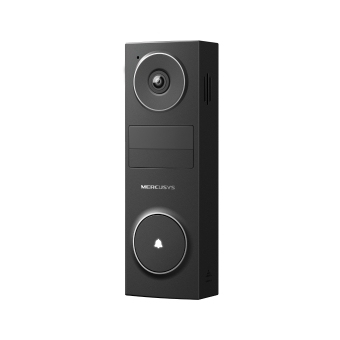
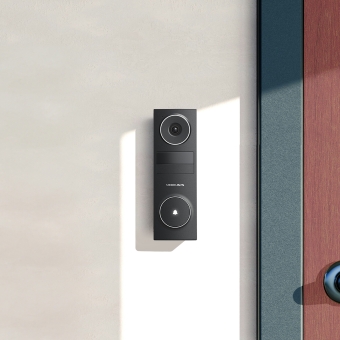
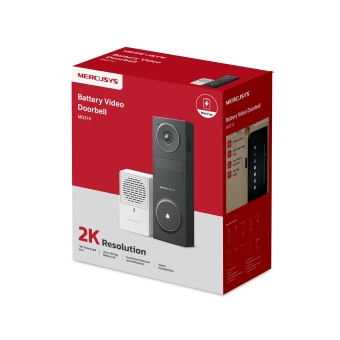
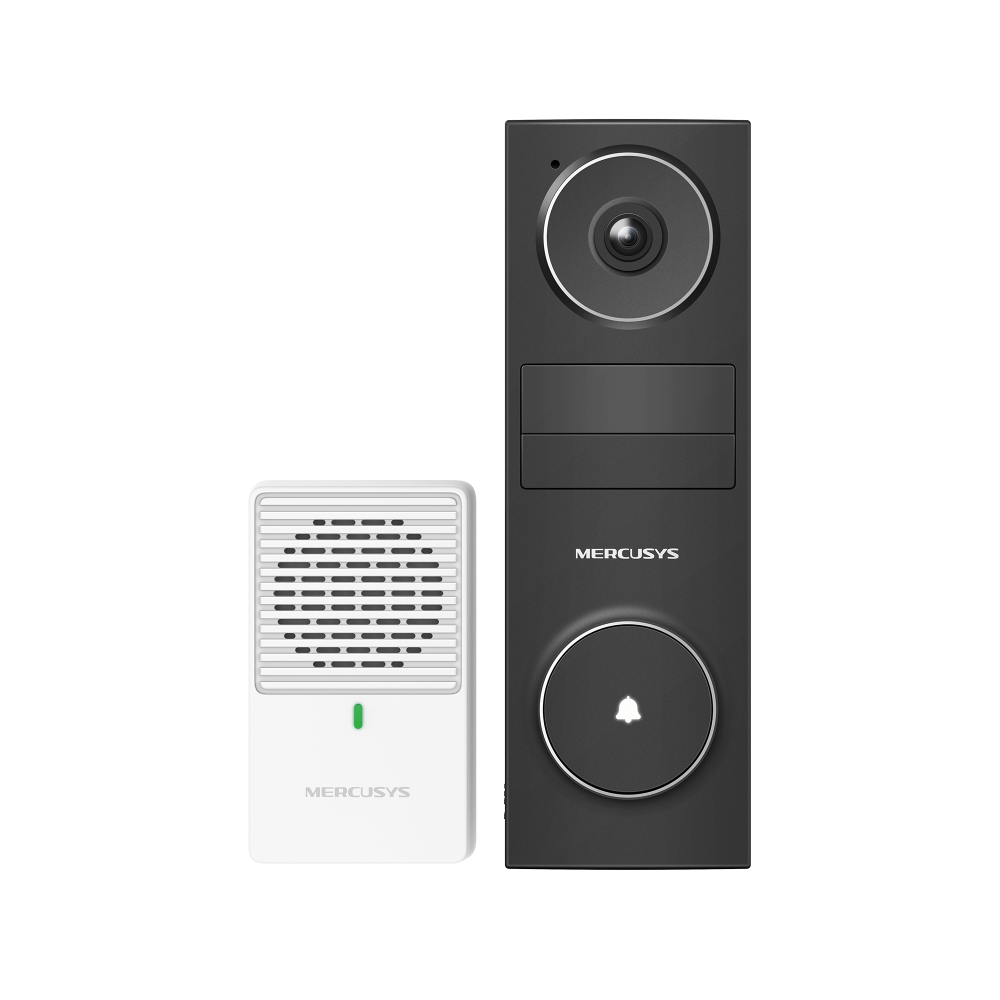
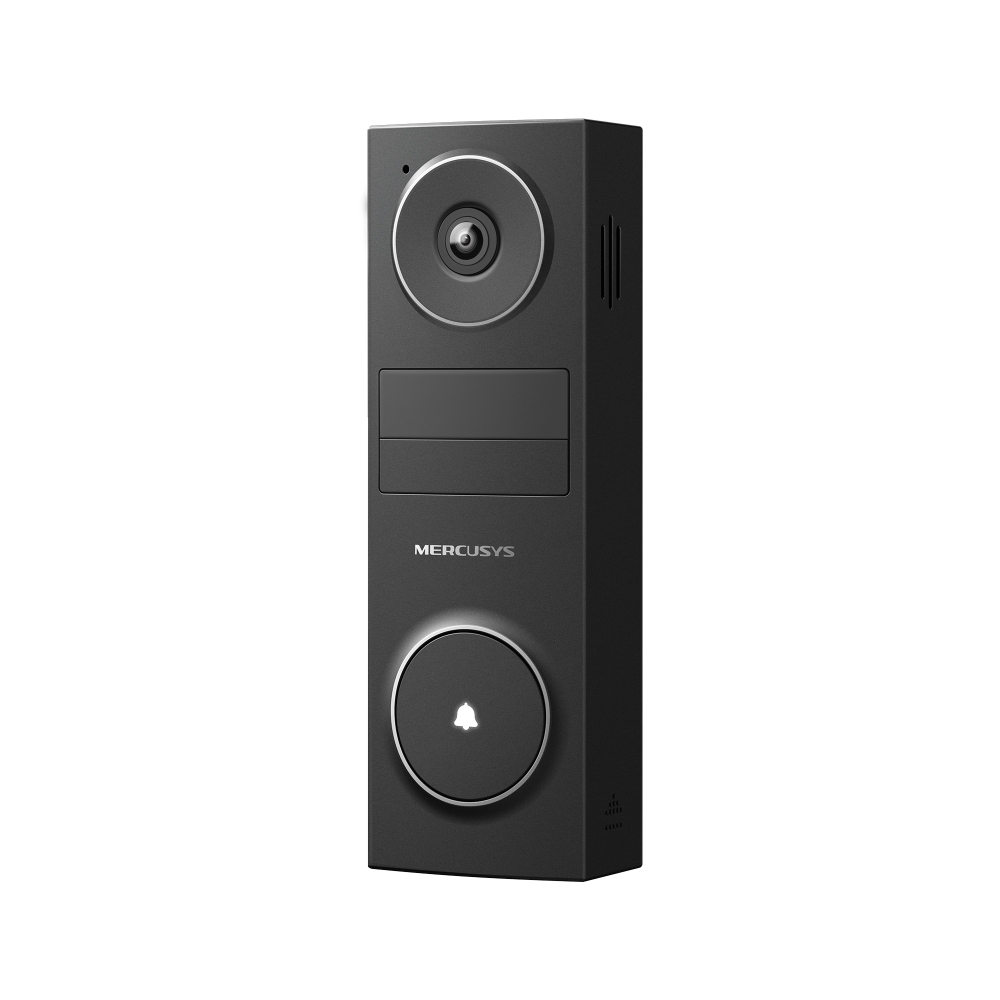
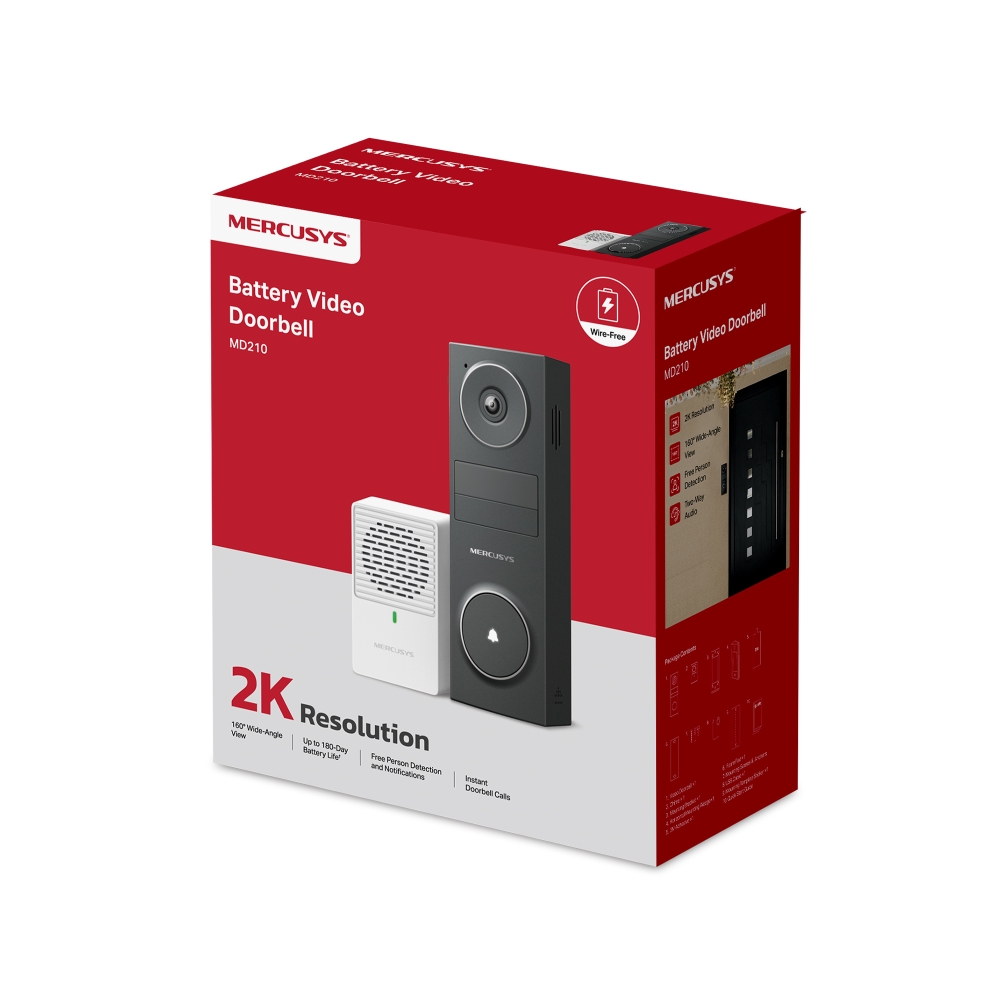
MD210
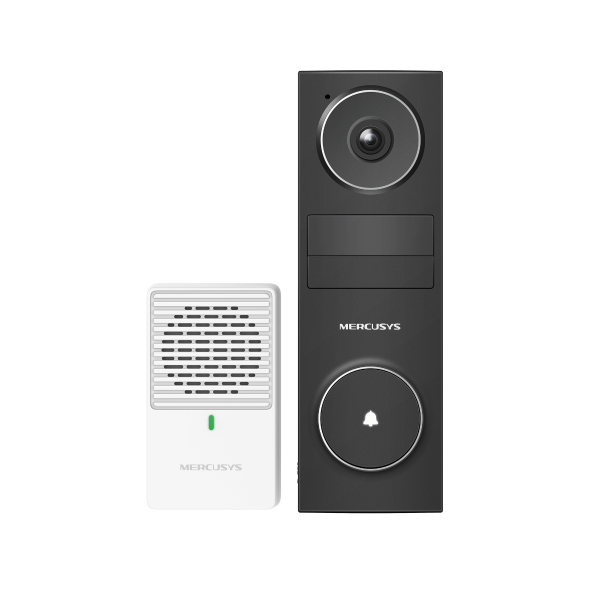
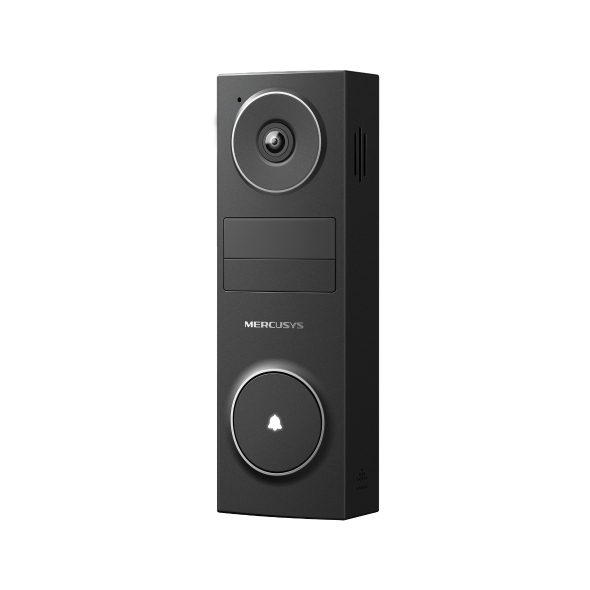
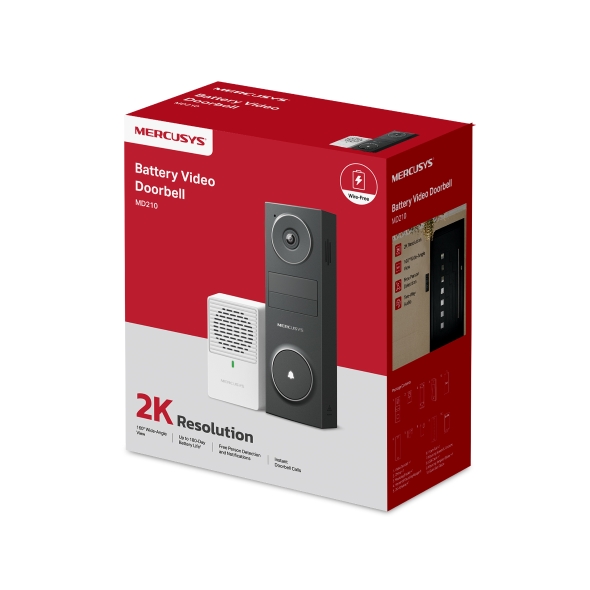
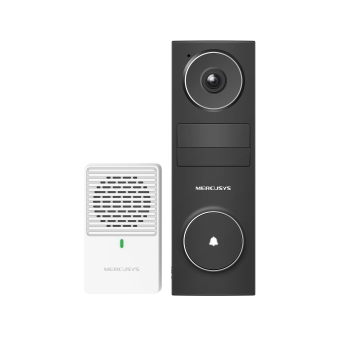
Battery Video Doorbell
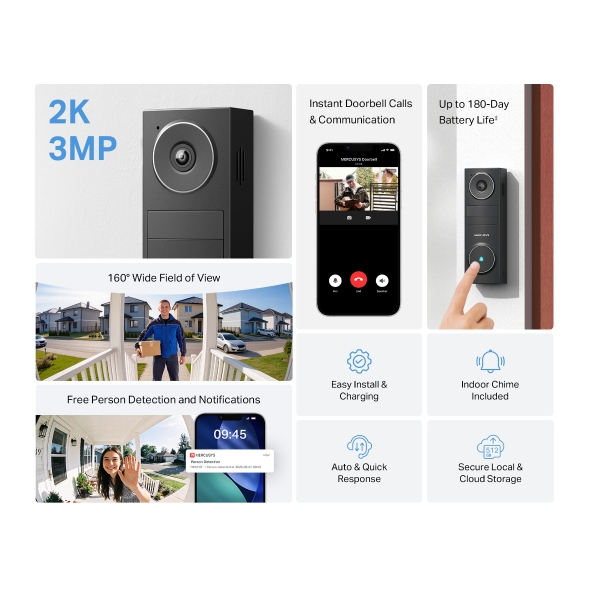
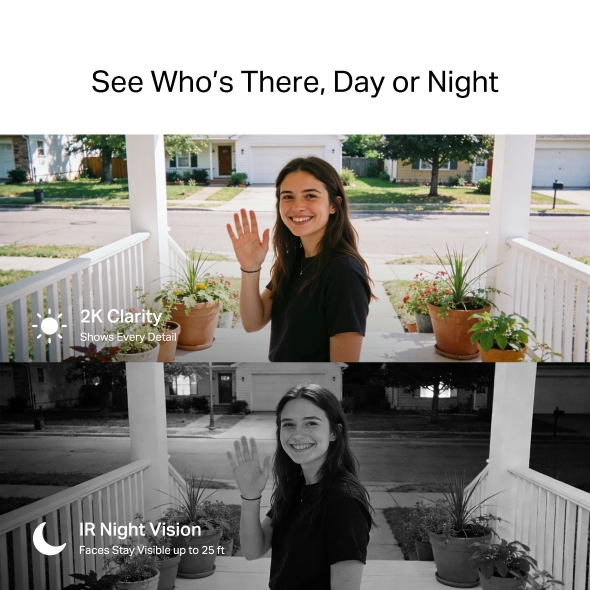
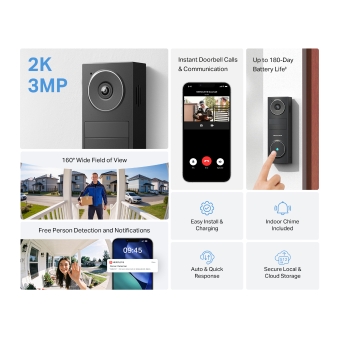
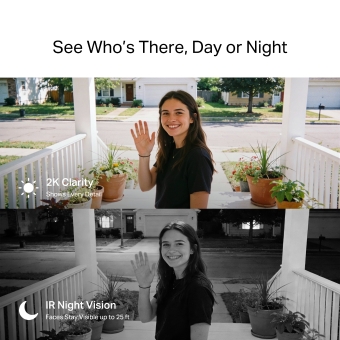
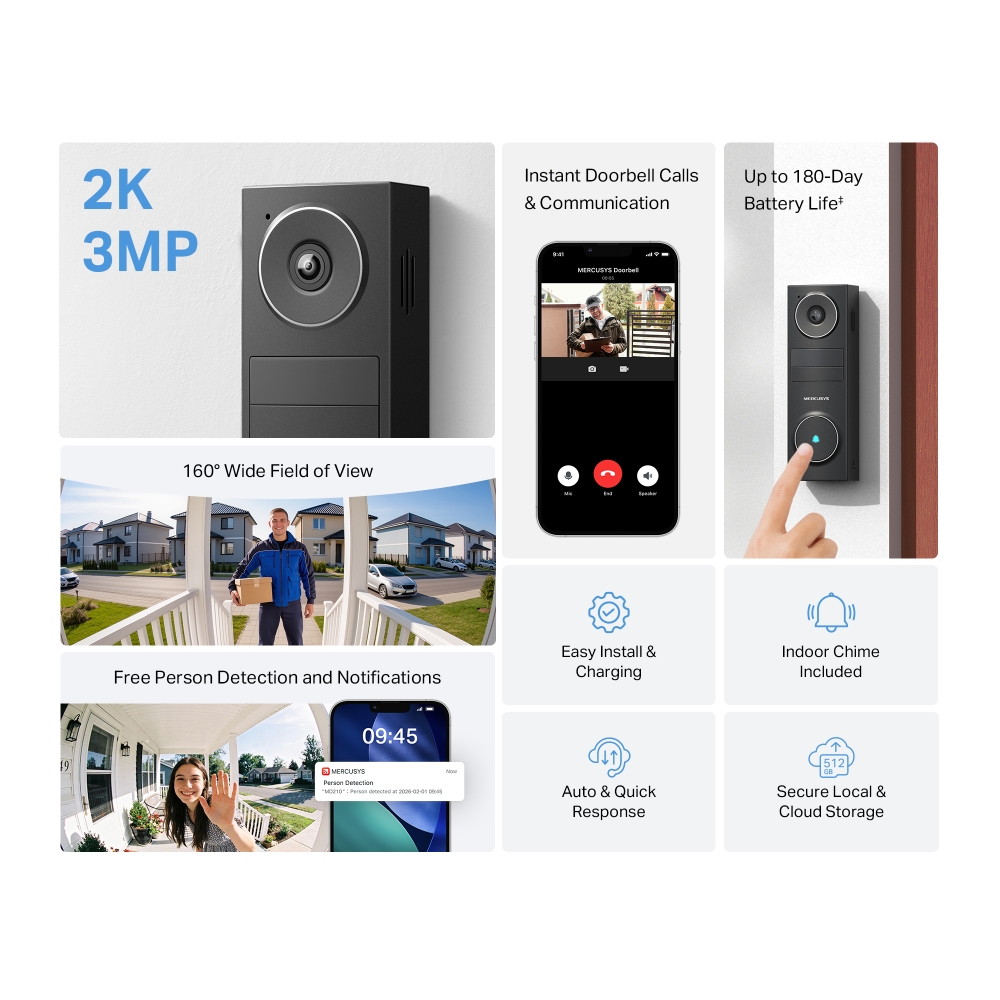
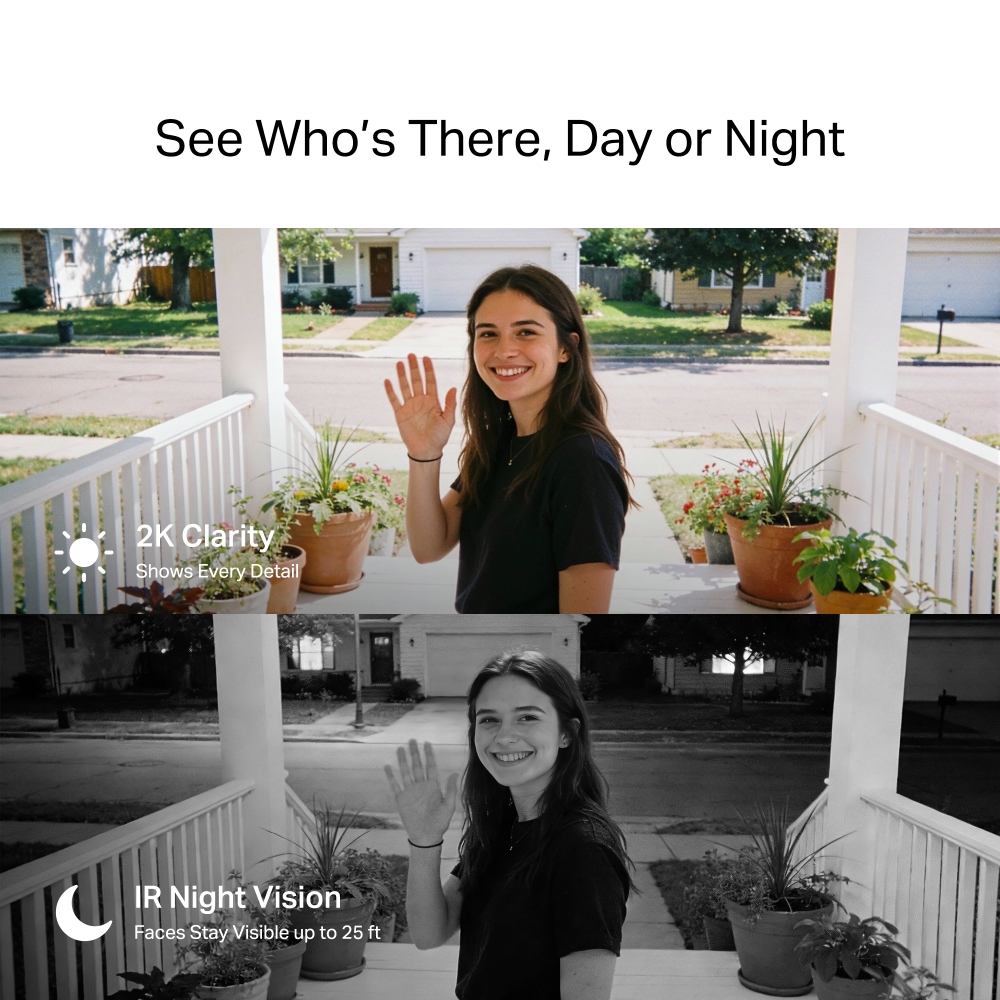
- 2K Clarity - Crisp video makes faces, packages, and doorstep details easy to see at all times.
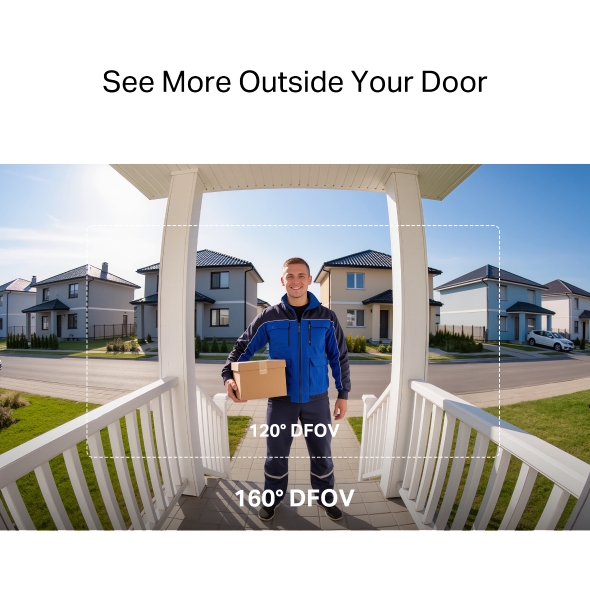
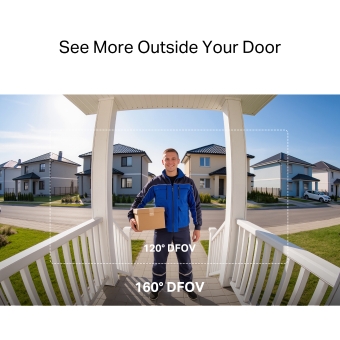
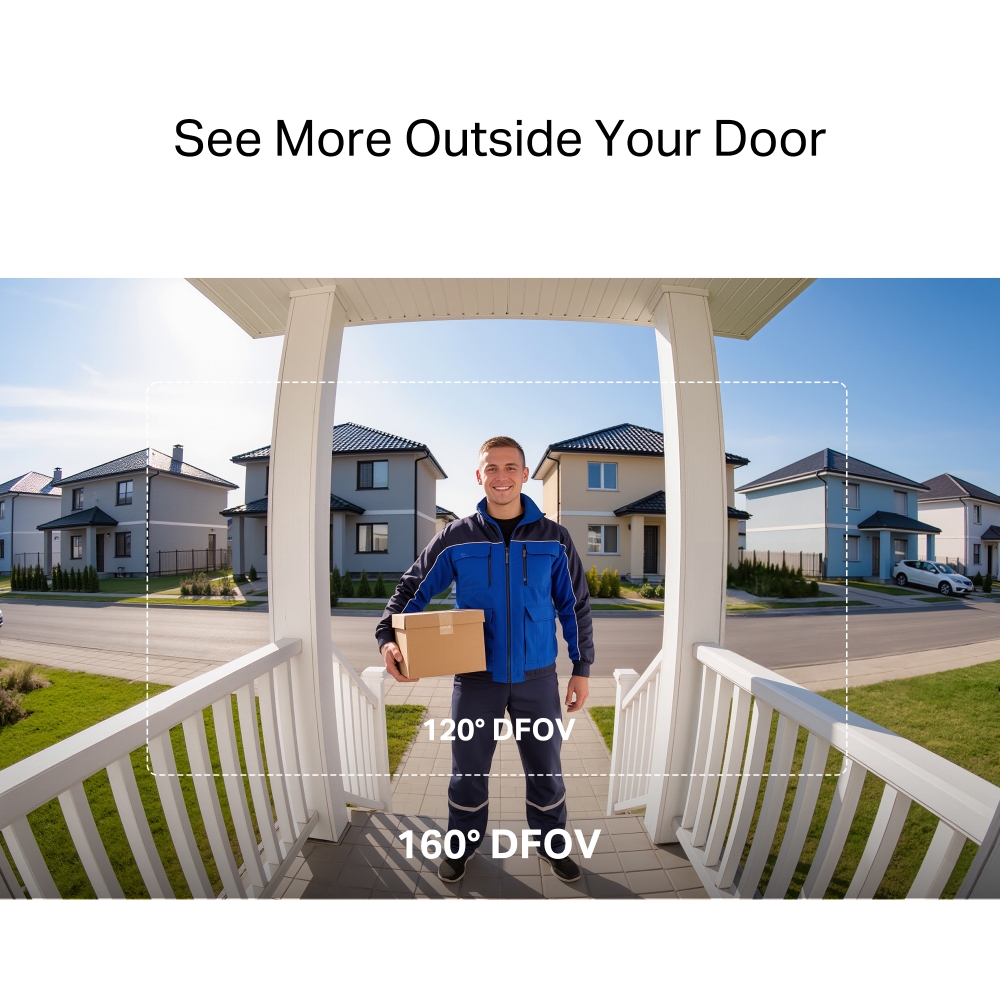
- 160° Wide Field of View - See head-to-toe view and more of your porch with fewer blind spots.†
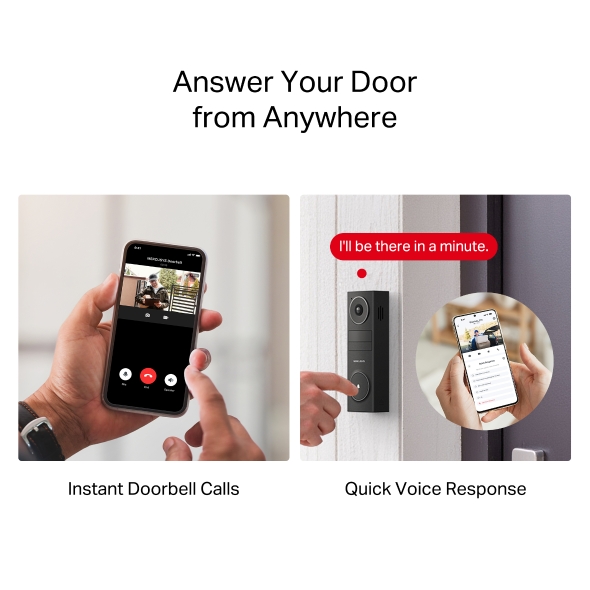
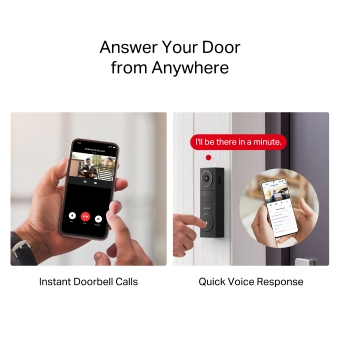
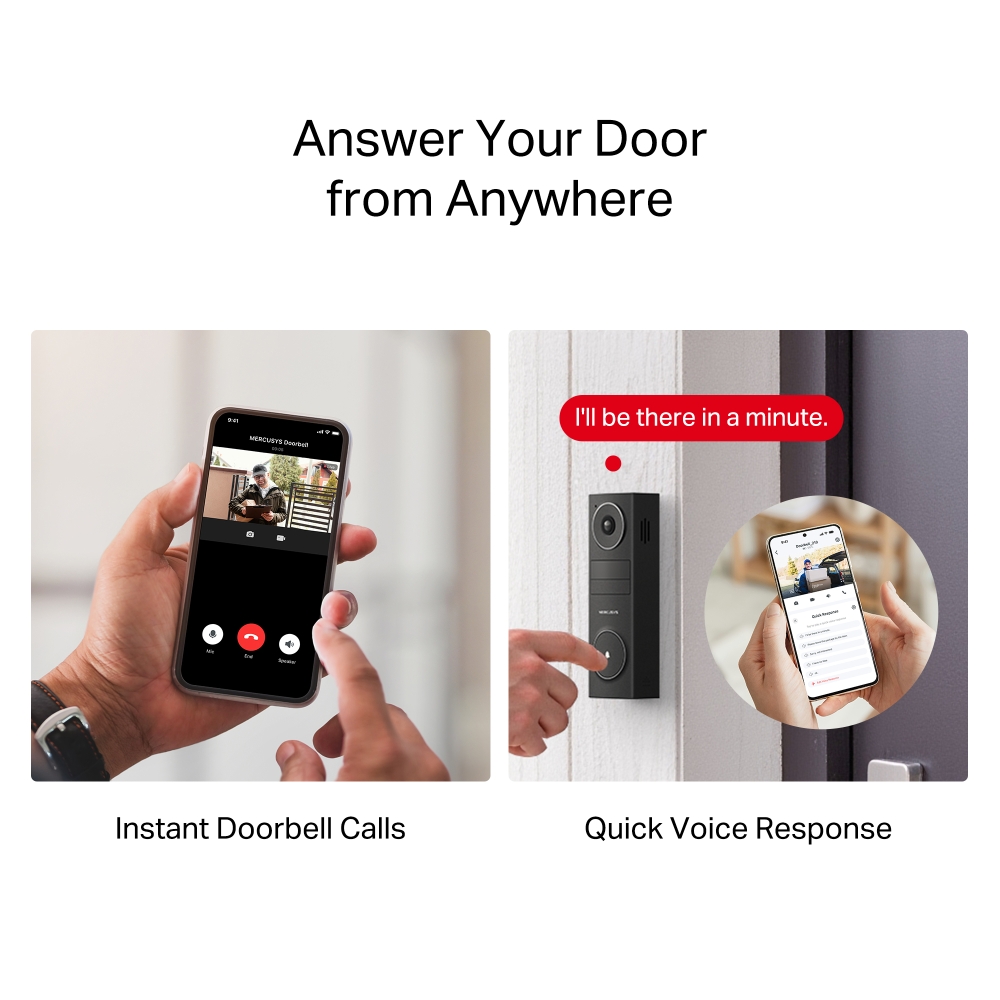
- Instant Doorbell Calls - Respond to the doorbell just like answering a phone call, ensuring no visitor or delivery is missed.
- Auto & Quick Voice Response - Use pre-set voice messages to reply when speaking is not convenient.
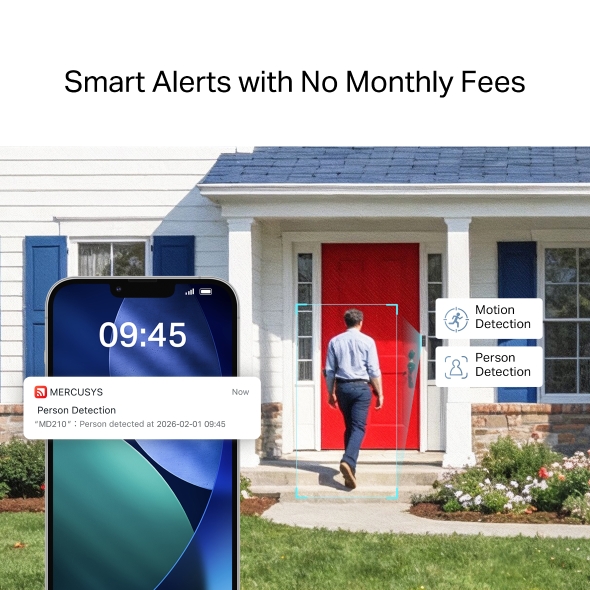
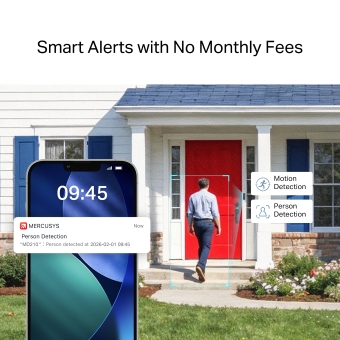
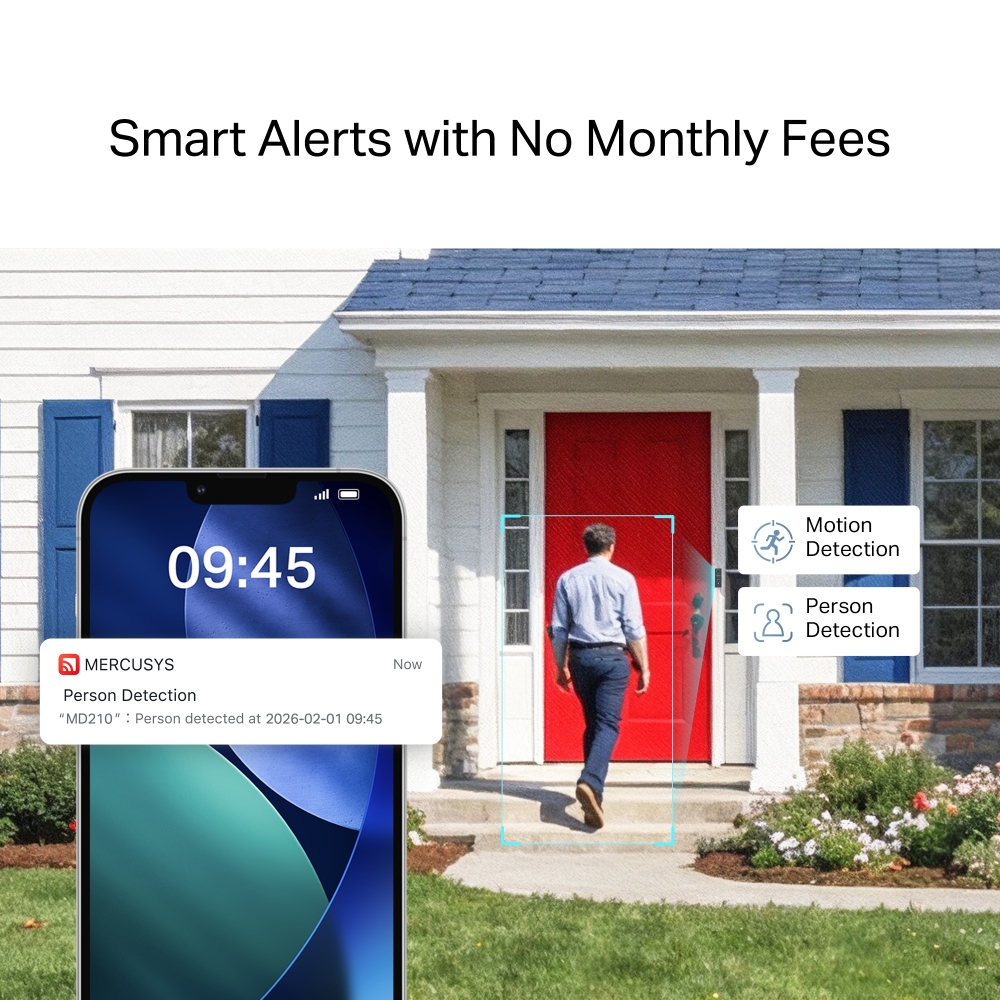
- Free Person Detection - Accurate notifications keep you informed without monthly fees.
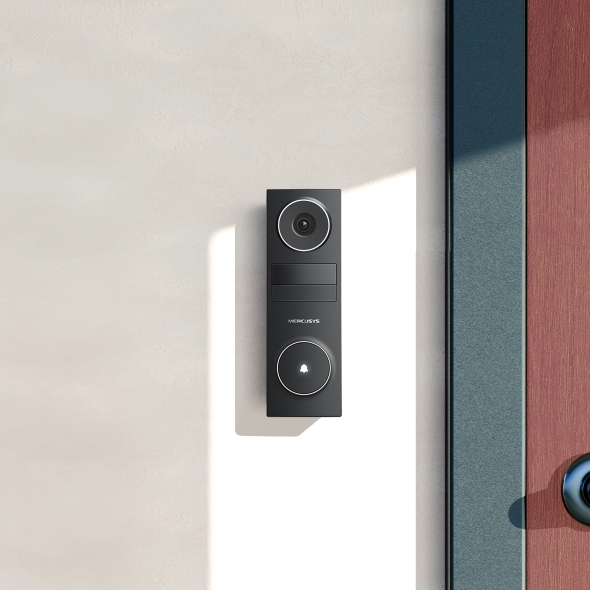
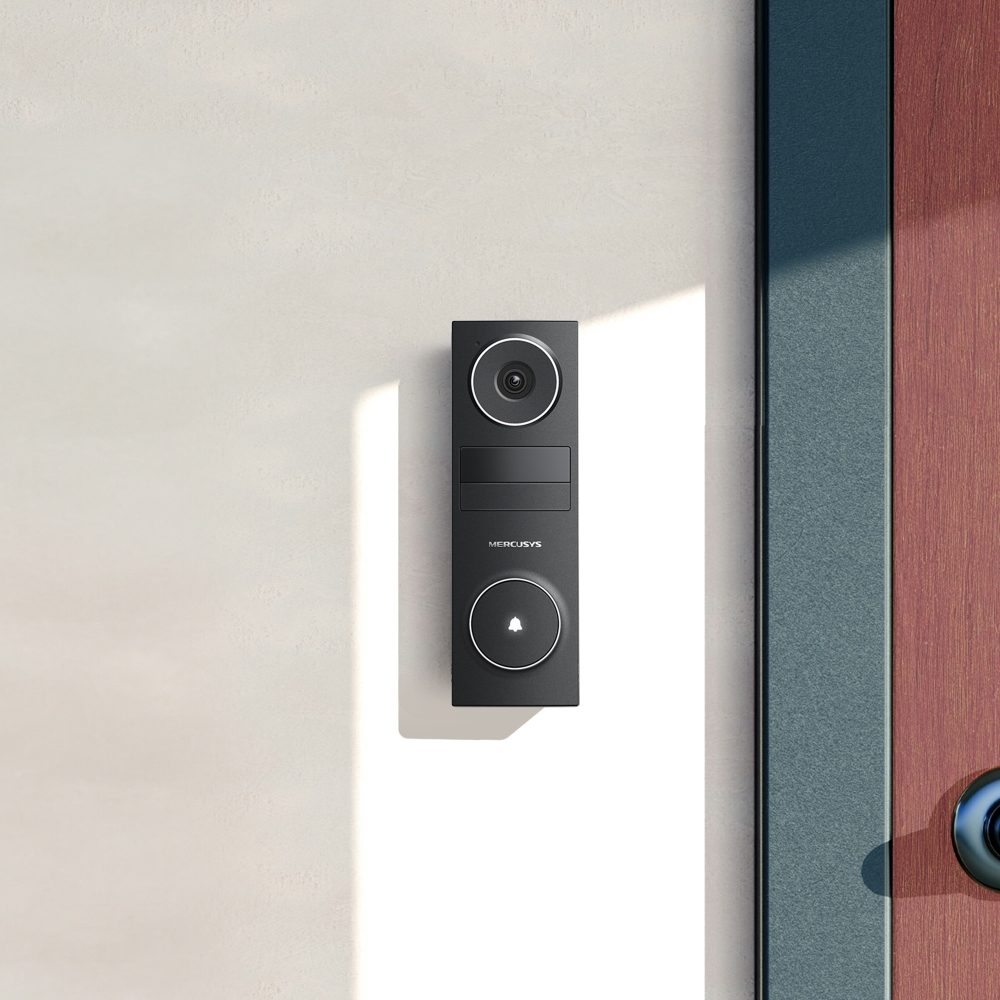
- Wire-Free Installation in Minutes - Stick it on with 3M adhesive or mount with screws—perfect for houses, apartments, and rentals.
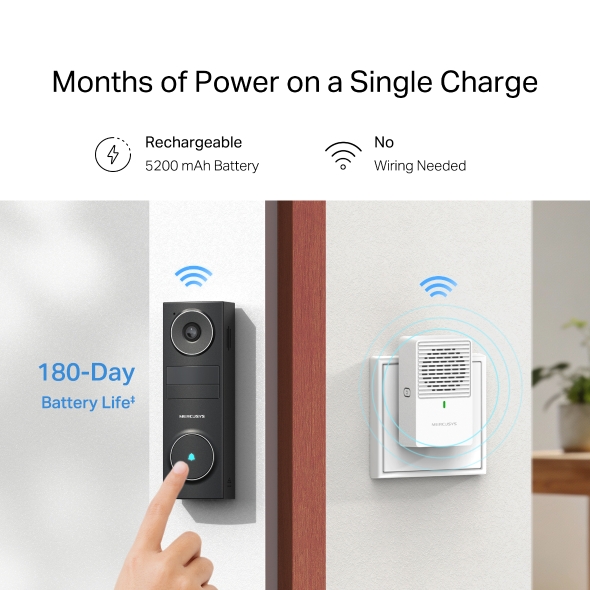
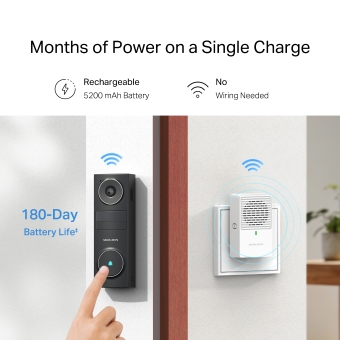
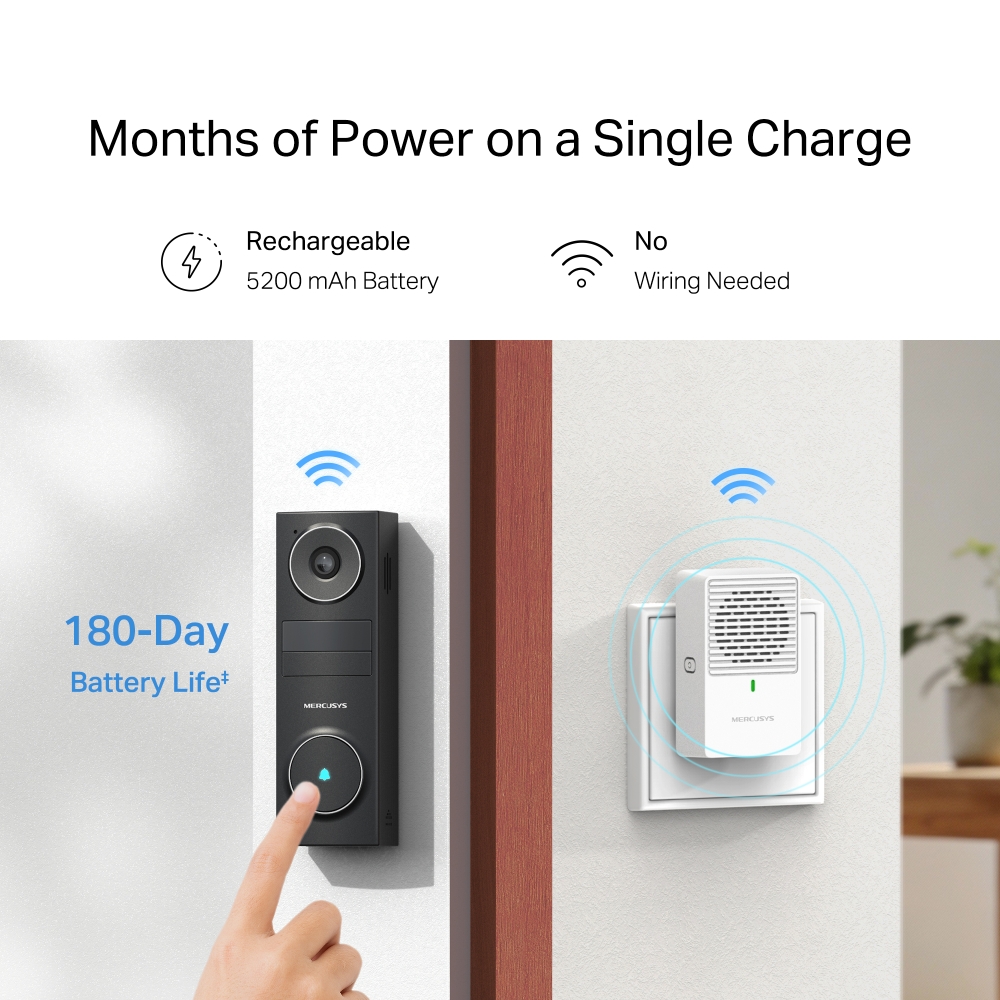
- Months of Power on a Single Charge - Use for months and recharge easily via USB-C on or off the wall.
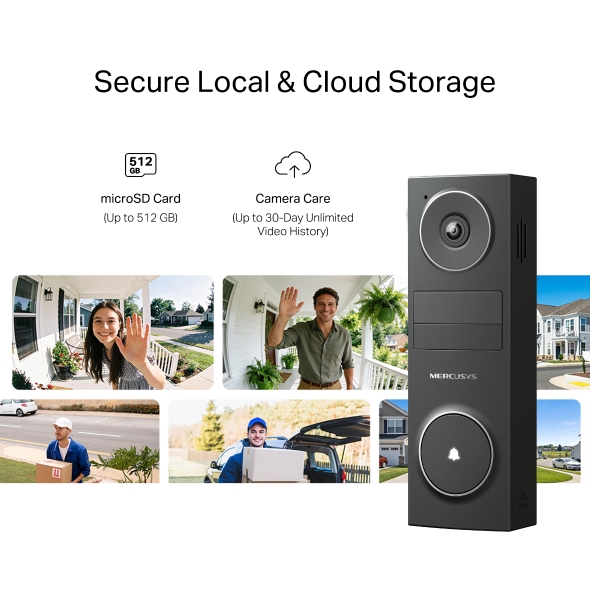
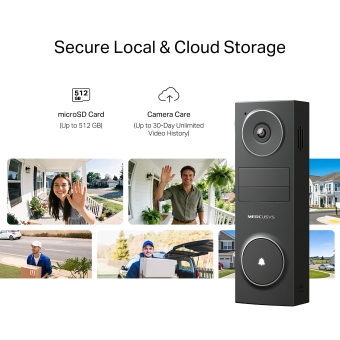
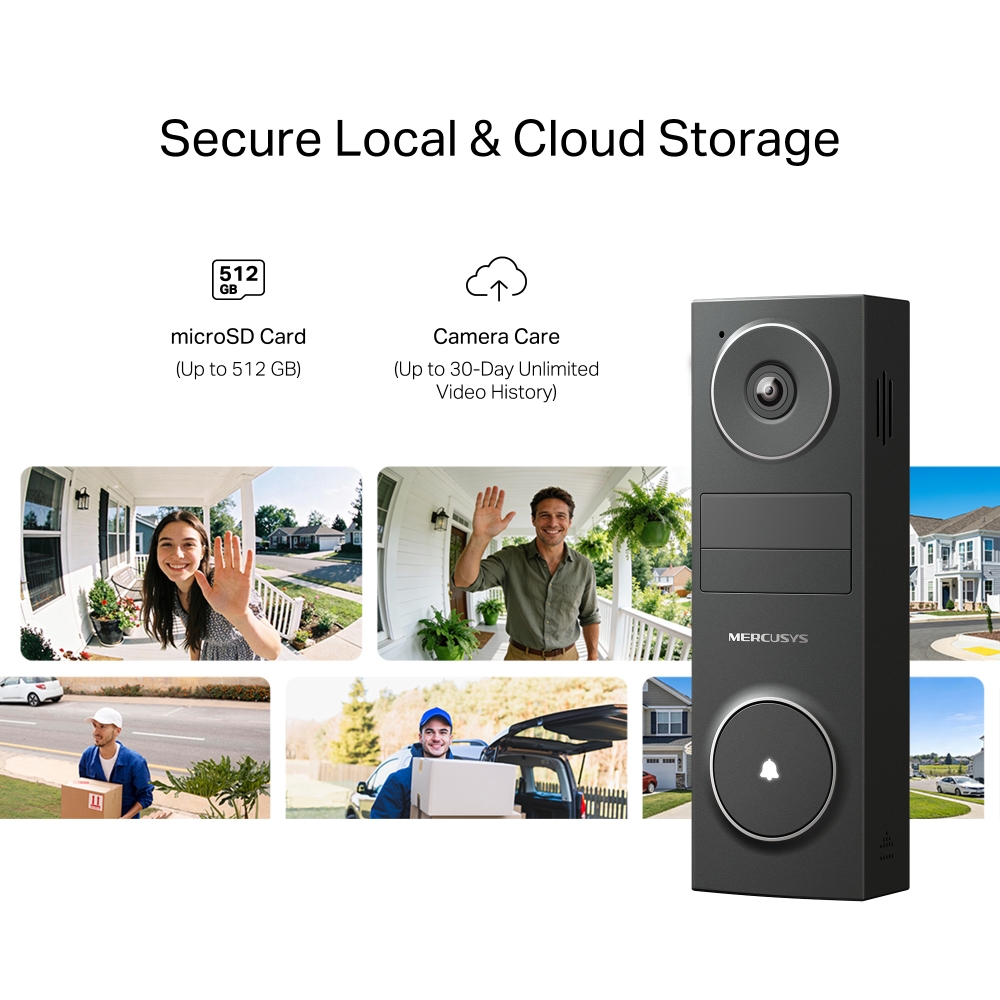
- Local & Cloud Storage - Save videos your way with microSD card up to 512 GB or cloud storage.
- Voice Control - Compatible with Google Assistant and Amazon Alexa, offering hands-free control for users.
Peace of Mind
Starts at Your Door
Battery Video Doorbell



Field of View
See Who’s There, Day or Night
Bright sunlight or dark nights won’t keep you from seeing clear details.




See More Outside Your Door
With a wider 160° diagonal field of view, you can see more of your doorstep and your visitor than with a typical 120° view.†
-
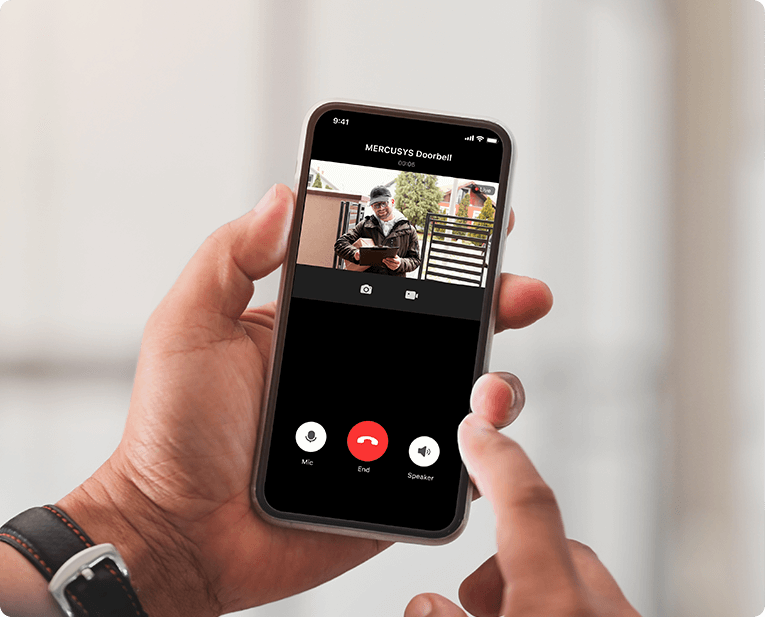
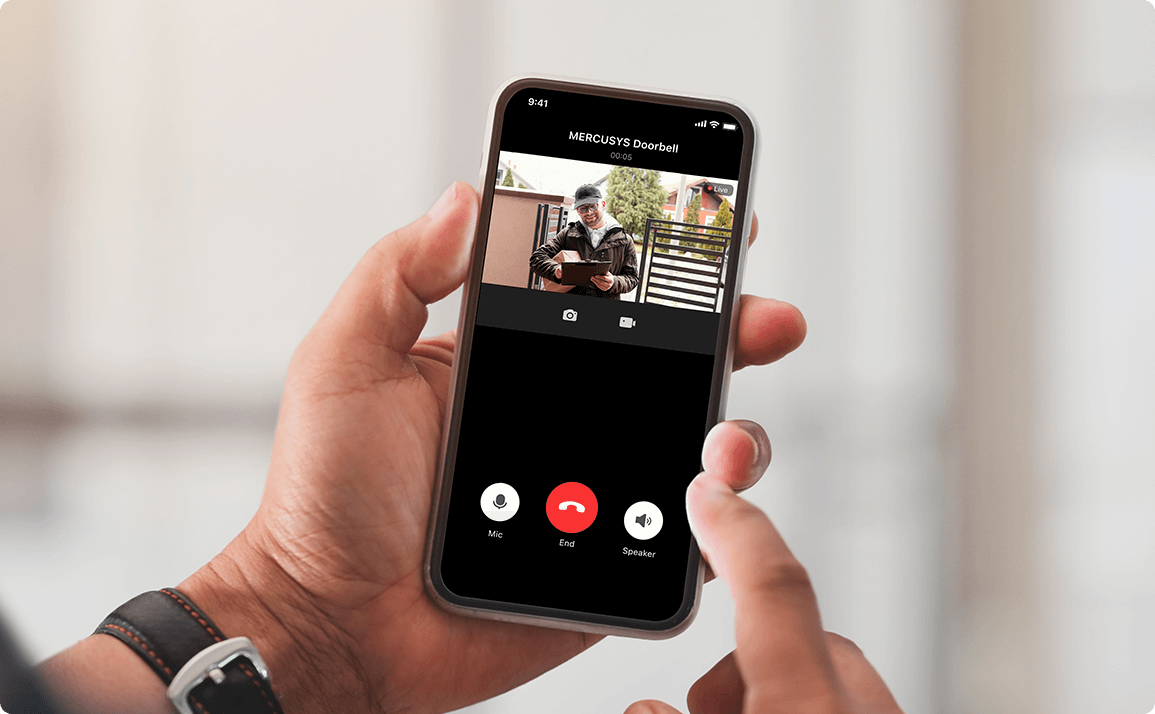
Instant Doorbell Calls
-
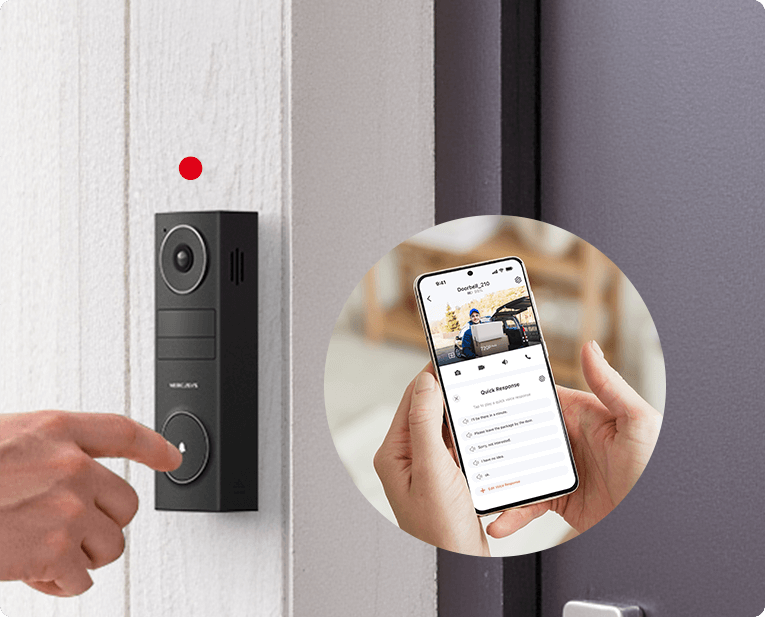
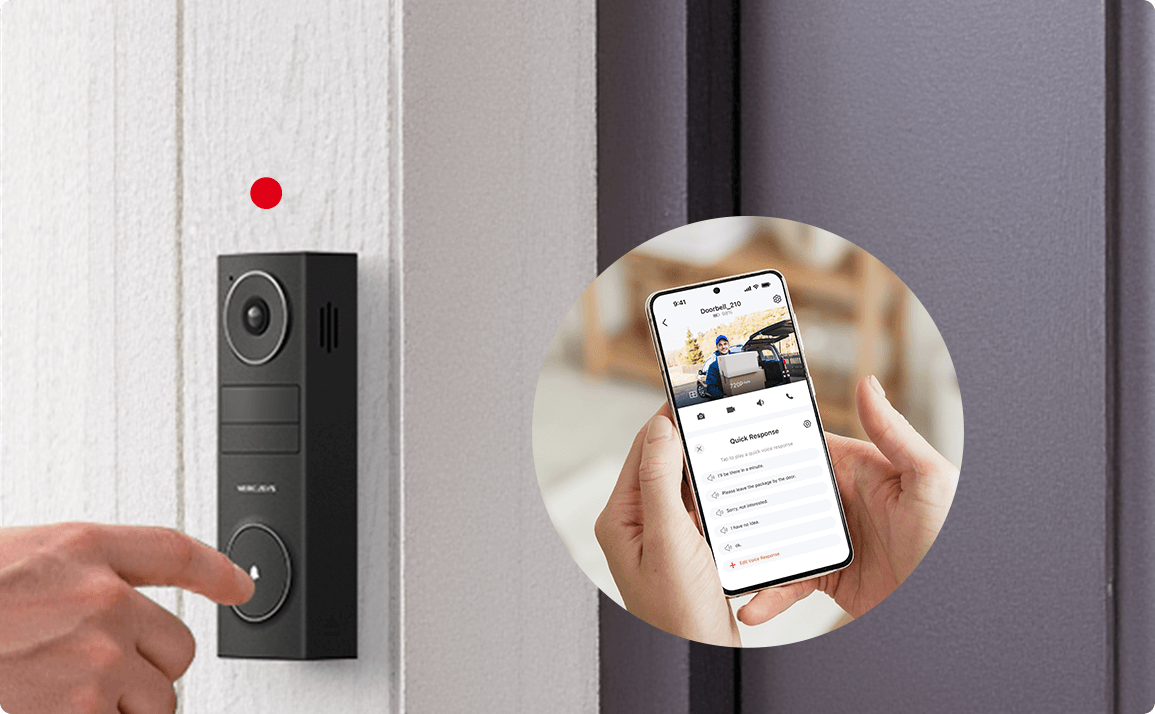 I'll be there in a minute.
Quick Voice Response
Months of Power on a Single Charge
Truly wire-free with Wi-Fi and long-lasting battery power, the doorbell installs anywhere without cables. Enjoy months of reliable performance with no hassle and no interruptions.
-

Rechargeable
5200 mAh Battery
-

No
Wiring Needed
Easy Install & Charging
Secure Local & Cloud Storage
Save all your important moments to a microSD card (up to 512 GB) or subscribe to MERCUSYS Camera Care for cloud service after a free trial.§
-

microSD Card
(up to 512 GB)
-

Camera Care
(Up to 30-Day Unlimited Video History)
Personalized for Your Home
†When installed at 1.2 meters, MD210 captures visitors head to toe at a distance of 1.5 meters. ‡180-day battery life is based on laboratory testing with 300 seconds of use per day. The time of use includes recording and watching live views. Actual battery life may vary due to device settings, usage, router specifications, and environmental factors. §microSD card sold separately. Actual storage capacity depends on the size of the microSD card used. Subscribe for cloud storage at https://www.mercusys.com/cameracare/ △The app Ul is for reference only and is subject to optimization and improvement. *Specifications are subject to change without notice.
MERCUSYS
La aplicación MERCUSYS proporciona la manera más fácil de configurar en minutos y administrar tu WiFi en casa o fuera a través de sus dispositivos iOS o Android.


MERCUSYS te ayuda a configurar en unos pocos pasos
Sin ningún conocimiento técnico ni leer instrucciones complicadas, simplemente siga las instrucciones de la aplicación. Configura tu red de malla en minutos.
-
 Halo Power Cable Ethernet Cable
Step 1
Encuentra lo que necesitarás en la caja
-

Step 2
Conecta tus dispositivos
-

Step 3
Siga las instrucciones en pantalla con la aplicación MERCUSYS
Administra tu WiFi en tiempo real
Con la aplicación MERCUSYS, experimenta la gestión de red en vivo. Ve quién se está conectando a tu red y adminístrela en cualquier momento con sus dispositivos iOS o Android.


Notice: The configuration page of different models may be different, please refer to the actual one.
Potentes controles parentales
Administra fácilmente el tiempo y el contenido en línea de tus hijos para crear un entorno en línea seguro y saludable.
-
Crear perfiles de usuario
Create a profile for each family member you would like to manage. Assign devices to the profile to set access controls and time limits for them.
-
Límite de tiempo en línea
Set daily limits on how long your kids spend online and prevent them from accessing the internet on their devices for a long time to build a healthy network habit.
-
Bloquear sitios web inapropiados
Control which sites your kids visit by setting a block list.
-
Pausar la conexión a Internet
Suspend family members’ internet connections to take a break from the virtual world to enjoy some family time.
Administra y proteje tu red doméstica
La aplicación MERCUSYS te ayuda a administrar tu WiFi en casa o fuera a través de tus dispositivos iOS o Android.

Comprobar el estado de los dispositivos conectados
Ve intuitivamente el estado de funcionamiento de tu red Halo y ve qué está conectado. Prioriza o bloquea los dispositivos según sea necesario.

Quality of Services
Prioritizes devices you select to perform better.

Alerta de acceso a nuevo dispositivo
La aplicación MERCUSYS envía de manera proactiva una alerta para informarte cuando se conecta un dispositivo desconocido. Toca para bloquear el dispositivo si es un riesgo de seguridad.

Configurar una red de invitados
Proporciona una red separada para invitados para garantizar su seguridad y privacidad.
Todo en una aplicación
Ya sea que estés buscando controlar una amplia gama de routers, extensores o sistemas de malla Halo MERCUSYS, encuéntrela todo en la aplicación.
CompatibilidadProductos compatibles
Nota: El firmware del dispositivo requiere la última versión. Haga clic aquí para saber cómo actualizar su firmware.
Nota: Tanto las versiones de hardware enumeradas como las superiores de estos modelos son compatibles con la aplicación MERCUSYS.
CATEGORIA
-
Halo Mesh
-

Halo H50G V1
AC1900 Whole Home Mesh Wi-Fi System
-

Halo H30G V1
AC1300 Whole Home Mesh Wi-Fi System
-

Halo H80X V1
AX3000 Whole Home Mesh WiFi 6 System
-

Halo H70X V1
AX1800 Whole Home Mesh WiFi 6 System
-

Halo H30 V1
AC1200 Whole Home Mesh Wi-Fi System
-

Halo H90X V1
AX6000 Whole Home Mesh Wi-Fi System
-
-
Wi-Fi Routers
-

MR70X V1
AX1800 Dual Band Wi-Fi 6 Router
-

MR80X V1
AX3000 Dual-Band Wi-Fi 6 Router
-

MR50G V1
AC1900 Wireless Dual Band Gigabit Router
-

AC12G V2
AC1300 Wireless Dual Band Gigabit Router
-

MR30G V1
AC1200 Wireless Dual Band Gigabit Router
-
MR1200G V1
AC1200 Wireless Dual Band Gigabit Router
-
MR1900G V1
AC1200 Wireless Dual Band Gigabit Router
-

MR1800X V1
AX1800 Dual-Band WiFi 6 Router
-

MR90X V1
AX6000 8-Stream Wi-Fi 6 Router
-
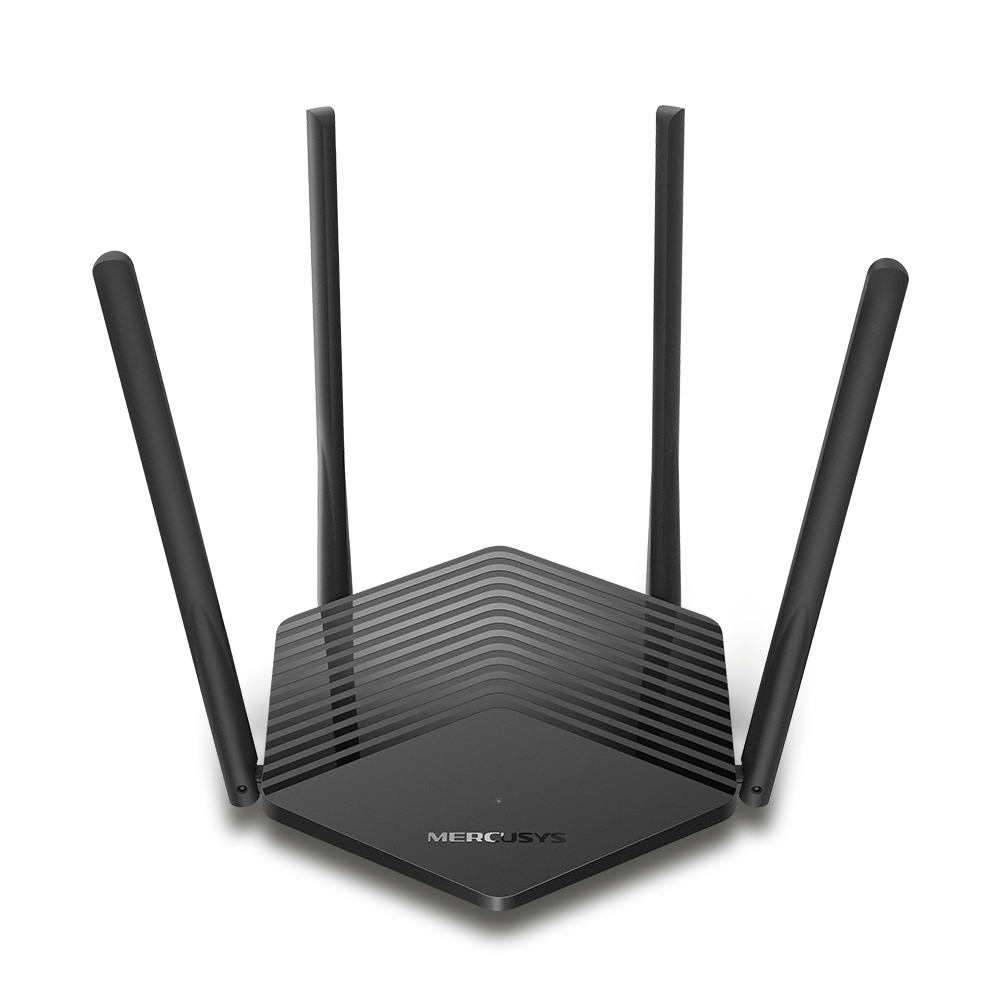
MR60X V2
AX1500 Wi-Fi 6 Router
-
2.0_01_large20200513030154.jpg)
AC12 V3
AC1200 Dual Band Wireless Router
-
1.0_01_large20200616070042.jpg)
AC10 V1
AC1200 Wireless Dual Band Router
-

MW325R V3
300Mbps Enhanced Wireless N Router
-
_1906_02_large20200513090024.jpg)
MW305R V3
300Mbps Wireless N Router
-
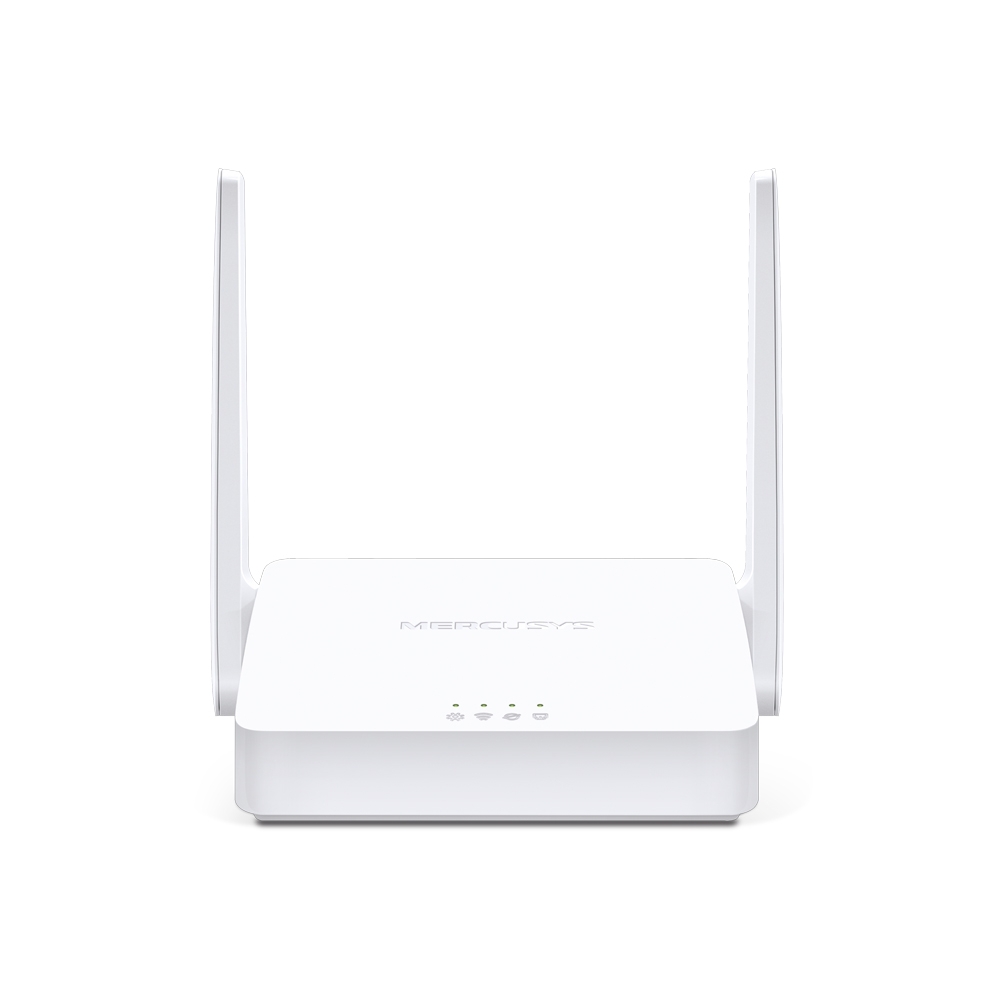
MW301R V3
300Mbps Wireless N Router
-
-
Range Extenders
-

ME70X V1
AX1800 Wi-Fi 6 Range Extender
-

ME50G V1
AC1900 Wi-Fi Range Extender
-

ME30 V1
AC1200 Wi-Fi Range Extender
-
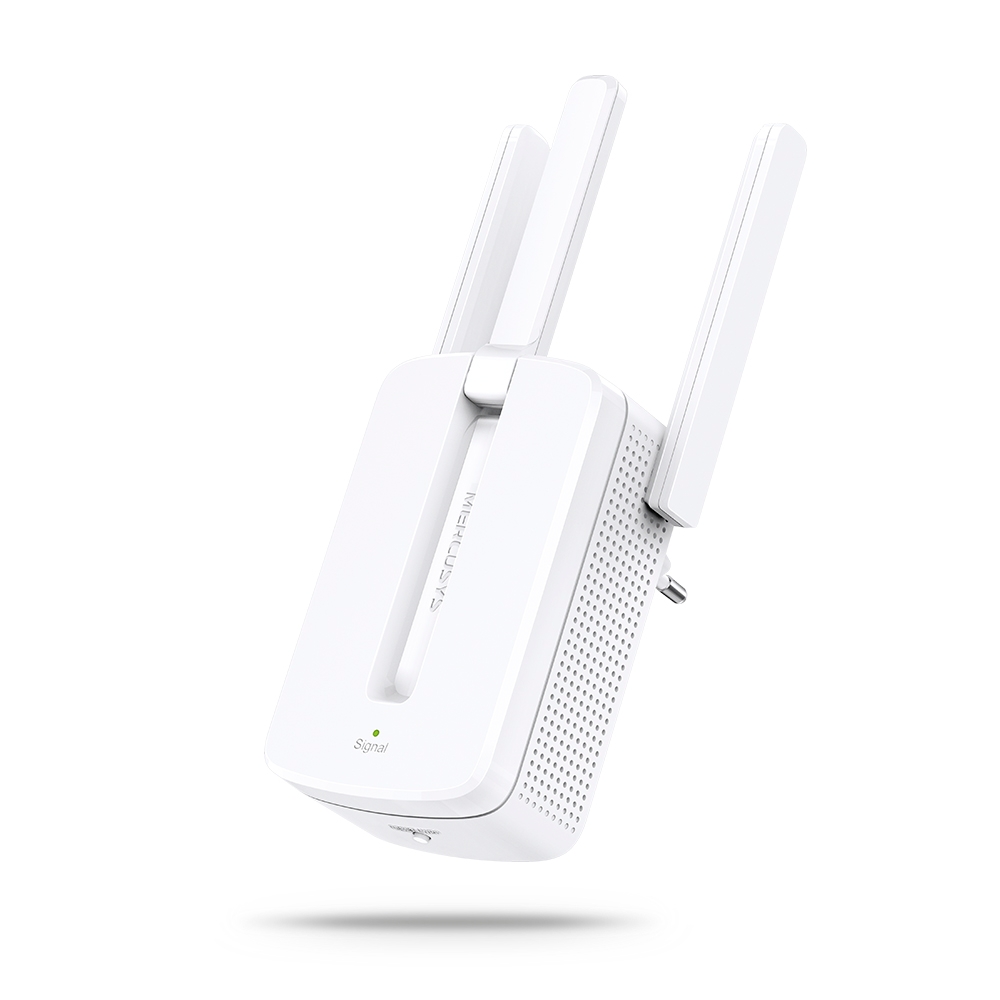
MW300RE V4
300Mbps Wi-Fi Range Extender
-
Compatible con varios idiomas
La aplicación MERCUSYS admite hasta 26 idiomas, lo que permite una fácil administración de la red para usuarios de todo el mundo.
-
English
-
Nederlands
-
Français
-
Deutsch
-
Italiano
-
日本語
-
한국어
-
Português
-
Español
-
繁體中文
-
Русский язык
-
Português Brasil
-
Español
(Latinoamérica) -
Български
-
Українська мова
-
Polski
-
Română
-
Slovenčina
-
ไทย
-
Türkçe
-
Čeština
-
Tiếng Việt
-
Eλληνικά
-
Bahasa Melayu
-
Magyar
-
עברית
-
Camera

| Image Sensor | 1/2.8” Progressive Scan CMOS Sensor |
|---|---|
| Lens | Focal Length: 2.4 mm |
| Night Vision | 2× 850 nm IR LEDs (25 ft, 7.6 m) |
| Interface & Button | Video Doorbell-MD210D: 1× RESET Button
Chime-MD210C: 1× RESET Button |
-
Video & Audio
| Maximum Resolution | 2304 × 1296 px |
|---|---|
| Digital Zoom | 10.8× |
| Frame Rate | 15 fps |
| Video Compression | H.264 |
| Live View | Yes |
| Image Enhancement | 3DNR |
| Audio Input & Output | Video Doorbell-MD210D: Built-in microphone and speaker
Chime-MD210C: Speaker |
| Audio Communication | Two-Way Audio with Noise Cancellation |
-
Software
| Security | Video Doorbell-MD210D: Local AI Detection
Chime-MD210C: 128-bit AES Encryption with SSL/TLS |
|---|
-
Storage
| Local Storage | Micro SD card slot |
|---|---|
| Cloud Storage | MERCUSYS Camera Care Cloud Storage Services (Subscription required) |
-
Hardware
| Power Consumption | Video Doorbell-MD210D: 1. Power consumption in networked standby: 0.95 W 2. Power consumption in networked standby when all wireless network ports are activated: 0.95 W 3. Power consumption in low power mode: 0.06 W 4. The default period of time after which the power management function switches the equipment automatically into a condition providing networked standby or low power mode: _20__minutes 5. Use only power supplies listed in the user instruction: Manufacturer: AOHAI Model: A806A-050100U-EU1
Chime-MD210C: 1. Power consumption in networked standby: 0.50 W 2. Power consumption in networked standby when all wireless network ports are activated: 0.50 W 3. Power consumption in low power mode: 0.48 W 4. The default period of time after which the power management function switches the equipment automatically into a condition providing networked standby or low power mode: _20__minutes |
|---|
-
Network
| Network Connectivity | Connect via Wi-Fi |
|---|---|
| Wireless Connectivity | IEEE 802.11b/g/n, 2.4 GHz Wi-Fi |
-
Power
| Power Source | Video Doorbell-MD210D 5200 mAh Built-in Rechargeable Lithium-ion Battery Chime-MD210C Mains Electricity |
|---|
-
Detection & Notifications
| Sensor | Single PIR Motion Sensor |
|---|---|
| AI Detection | Person and Motion Detection |
| Activity Zones | Yes |
| Output Notification | System Notification |
-
General
| Smart Integration | Google Assistant, Amazon Alexa, Samsung SmartThings |
|---|---|
| Weather Resistance | IP54 |
| Mounting Options | Stick to a Wall |
| Operating Temperature | -20℃~45℃ |
| Storage Temperature | -40℃~60℃ |
| Operating Humidity | 10%~90% RH, Non-condensing |
| Storage Humidity | 0~90% RH, Non-condensing |
| Dimensions ( W x D x H ) | Video Doorbell-MD210D: 140.0 × 46.0 × 32.6 mm (5.51 × 1.81 × 1.28 inches)
Chime-MD210C: 43.5 × 43.2 × 72.9 mm (1.7 × 1.7 × 2.9 inches) |
-
Others
| Certifications | CE, NTRA |
|---|---|
| Package Contents | MERCUSYS Video Doorbell × 1 |